 openspp.org
Farmer Registry installation
Contents
Farmer Registry installation#
OpenSPP Starter: Farmer Registry / spp_starter_farmer_registry
The OpenSPP Farmer Registry configuration enables convergence between social protection and agricultural development programs. This setup is designed for organizations supporting smallholder farmers, managing agricultural subsidies, or implementing climate-smart agriculture initiatives.
What's included:
Farmer and farm household registration
Land parcel mapping with GIS integration
Crop and livestock tracking
Agricultural input distribution management
Seasonal cycle management
Integration with agricultural extension services
Installation steps:
Navigate to the Apps menu.
In the Apps menu, search for spp_farmer_registry_base or "OpenSPP Starter: Farmer Registry"
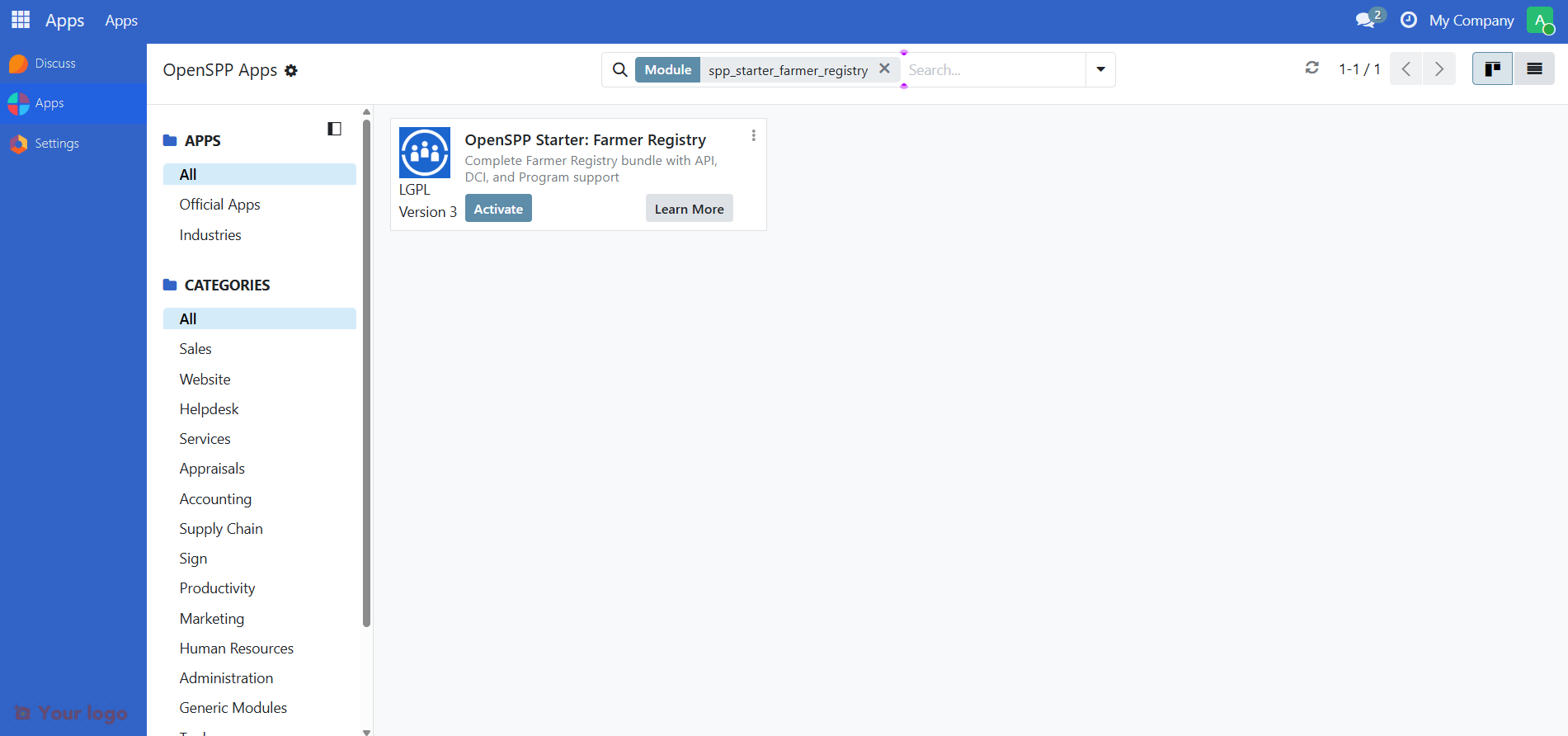
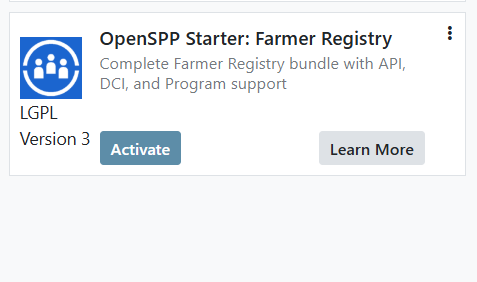
Click the Activate button to install the module and its dependencies.
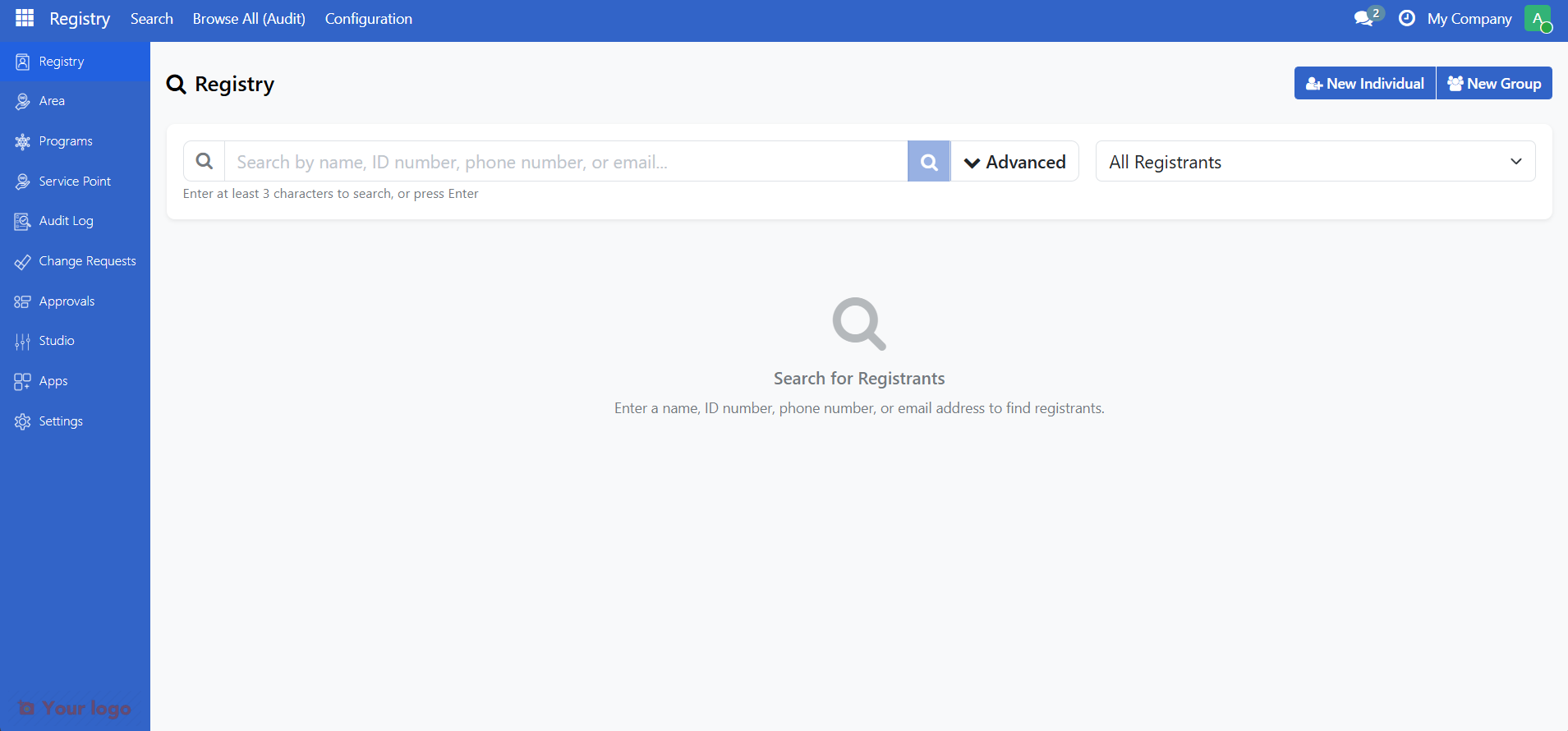
Once installed, you will be redirected to the Farmer Registry landing page as shown below.
Next steps#
Now that you have installed OpenSPP Farmer Registry, you have three options forward:
Relevant user guides - Start using OpenSPP without adding any demo data
Relevant configuration guides - Use the studio to perform configurations to match Farmer Registry to your use case