 openspp.org
Disability Registry installation
Contents
Disability Registry installation#
OpenSPP Disability Registry / spp_disability_registry
The OpenSPP Disability Registry provides structured disability assessment and tracking for social protection programs. It implements internationally recognized standards — the Washington Group Short Set (WG-SS) for adults and the UNICEF Child Functioning Module (CFM) for children — enabling programs to identify persons with disabilities, manage assistive device needs, and apply disability criteria in eligibility targeting.
What's included:
Standardized disability assessment using WG-SS (adults) and CFM (children aged 2–17)
Six-domain functioning measurement with automatic disability status computation
Impairment classification using DCI-aligned ICF-based vocabulary codes
Assistive device management with status workflow (needed → requested → provided)
Approval workflows for multi-tier assessment review
CEL functions for disability-aware eligibility targeting
Installation steps:
Navigate to the Apps menu.
Search for
spp_disability_registryor "OpenSPP Disability Registry". If the module does not appear, clear the default "Apps" filter from the search bar.
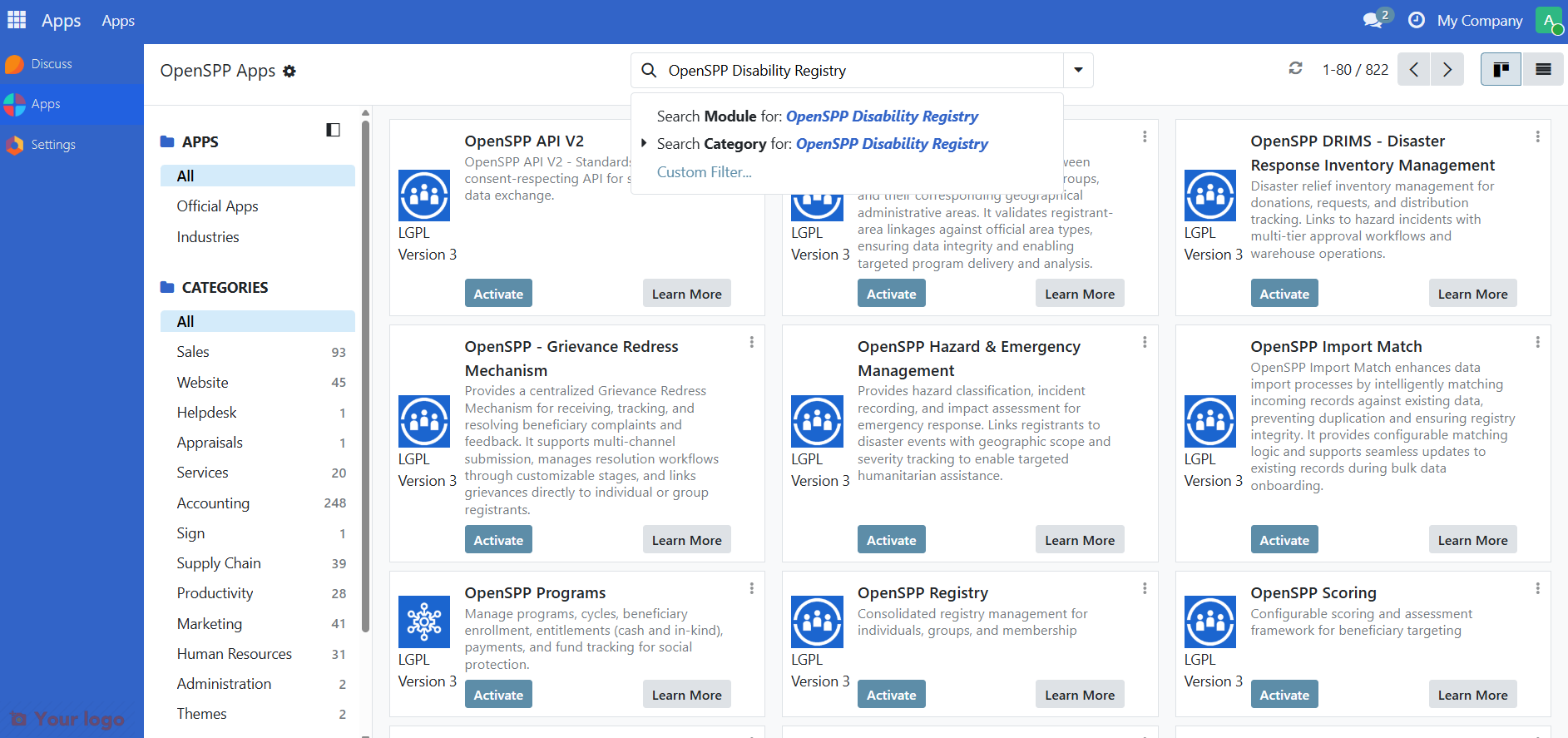
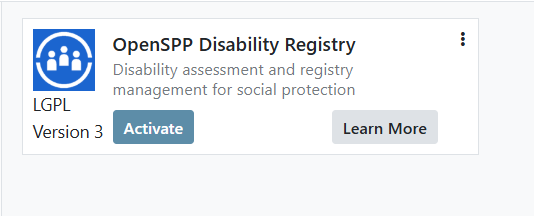
Click the Activate button to install the module. This will also install all required dependencies.
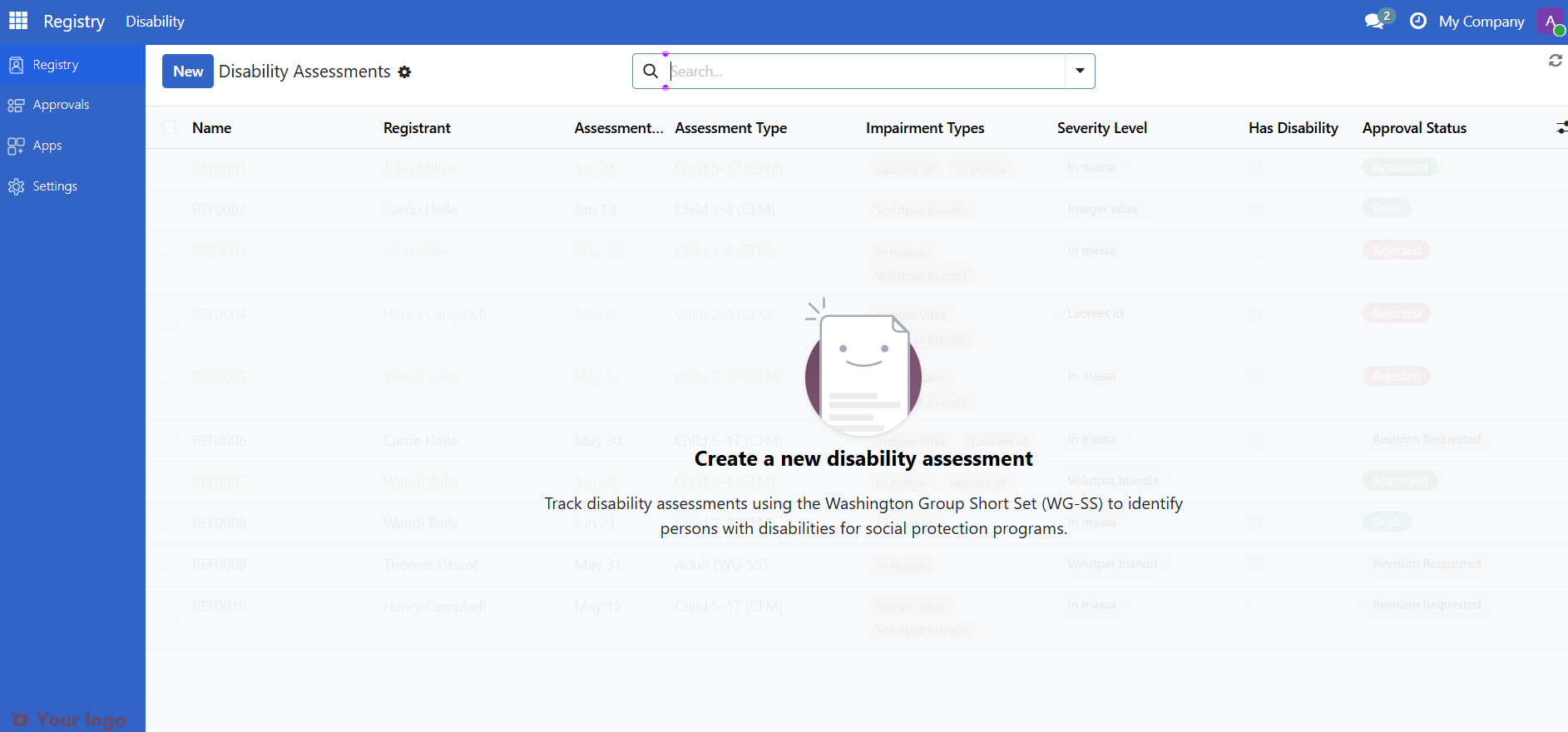
Once installed, disability assessment forms will be available on individual registrant records.
Next steps#
Now that you have installed the OpenSPP Disability Registry:
Relevant user guides - Start conducting disability assessments
Relevant configuration guides - Configure assessment workflows and approval tiers