 openspp.org
Farmer registry overview
Contents
Farmer registry overview#
This guide is for implementers setting up the farmer registry in OpenSPP. You should understand agricultural program requirements but don't need programming knowledge.
Mental model#
The farmer registry extends the standard registrant model with agriculture-specific data:
Layer |
What it does |
Example |
|---|---|---|
Farm |
The farming entity (a group-type registrant) |
"Santos Family Farm" |
Details |
Farm classification, size, and type |
Smallholder, 2.5 hectares, mixed farming |
Activities |
What the farm produces each season |
Rice (wet season), vegetables (dry season) |
Assets |
Equipment and infrastructure |
Water pump, tractor, greenhouse |
Think of it like a farm profile: the farm is the identity, details describe the land, activities track what's grown or raised, and assets inventory the equipment.
Key concepts#
Farm entities#
Farms are registered as group-type registrants (like households) with additional agriculture fields. They use pre-defined dropdown lists for standardized classification, provided by the Farmer Registry Vocabularies module.
Access control#
The farmer registry has a system-wide setting:
Setting |
What it does |
Default |
|---|---|---|
Restrict Registry Edits to Admin Only |
Limits CRUD access to administrators |
True |
Navigate to Settings > Farmer Registry Settings to configure this.
When enabled, only administrators can create, edit, or delete farm records. Other users can view but not change them.
Vocabulary-based fields#
Farm fields use the vocabulary system for standardized values aligned with FAO standards (from spp_farmer_registry_vocabularies):
Vocabulary |
Purpose |
|---|---|
Crop types |
FAO crop classification |
Livestock types |
FAO livestock classification |
Aquaculture species |
Aquaculture species list |
Farm classification |
Farm type categories |
Land use types |
Land use classification |
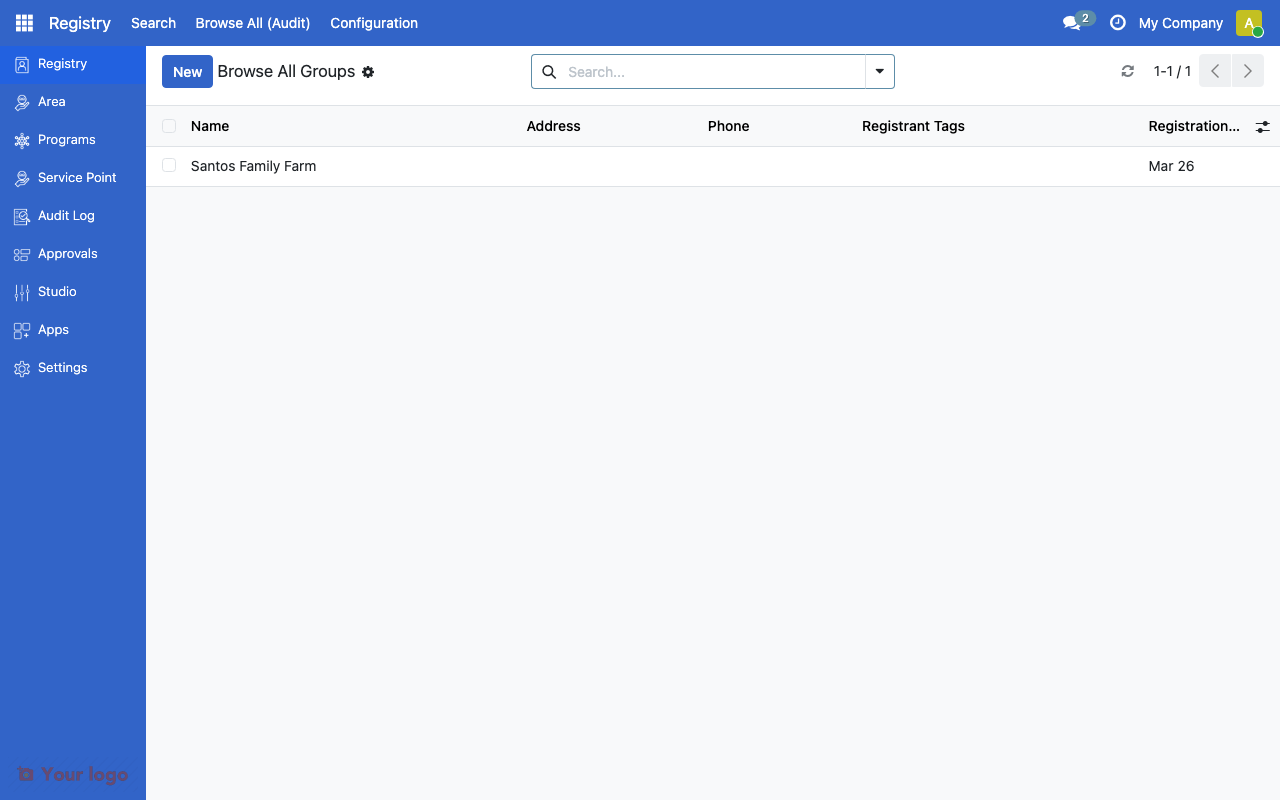
Farm groups list showing registered farm entities.#
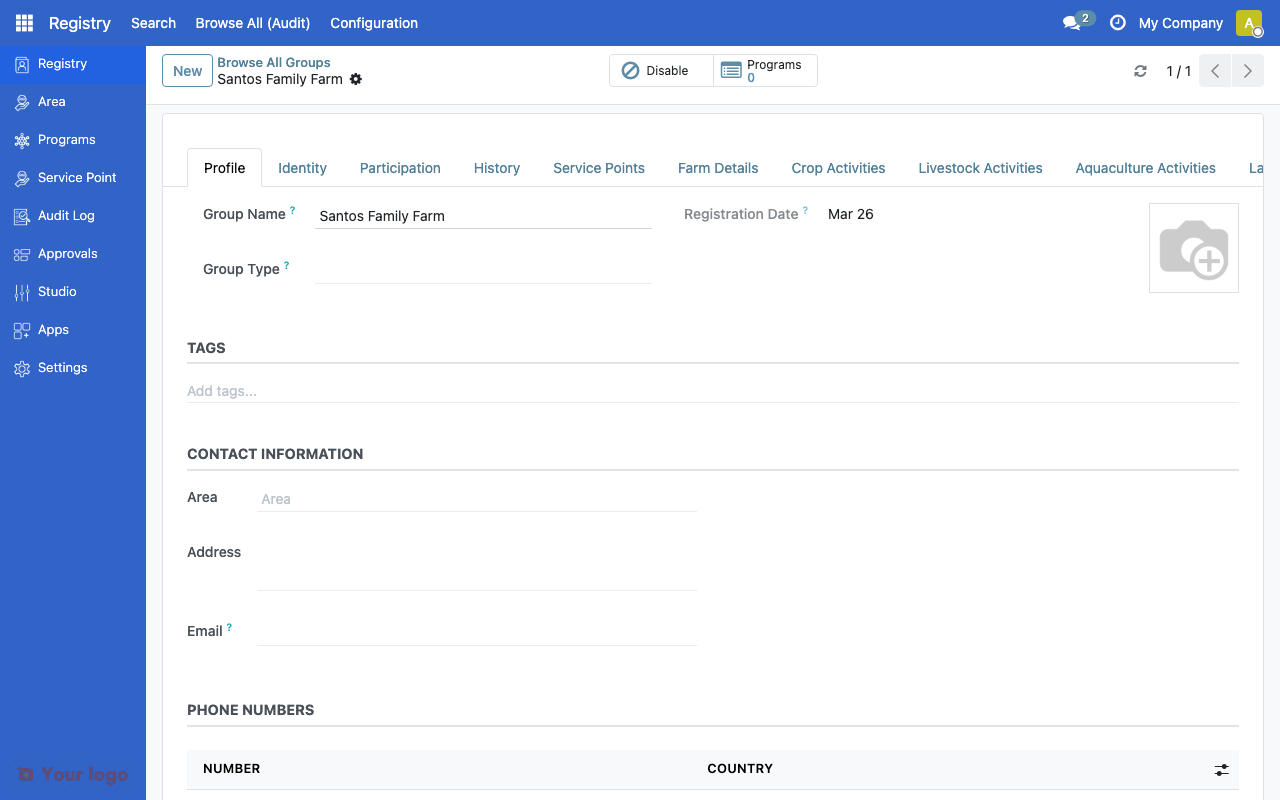
Farm registrant form showing profile with tabs for Farm Details, Crop, Livestock, and Aquaculture Activities.#
Common use cases#
Use case 1: Smallholder registration#
Goal: Register smallholder farmers for an agricultural support program.
Setup:
Create farms as group registrants
Fill in farm details (size, classification, location)
Add household members as individual registrants
Record current agricultural activities
Use case 2: Cooperative management#
Goal: Track farms within agricultural cooperatives.
Setup:
Create the cooperative as a parent group
Register individual farms as child groups
Track activities and assets at both farm and cooperative levels
Use hierarchy for aggregated reporting
Are You Stuck?#
Where is the farmer registry?
Farm records are in the standard Registry menu. They are group-type registrants with farm-specific fields. The Farmer Registry module must be installed — ask your administrator if you don't see farm fields.
Vocabulary fields showing no options?
Ask your administrator to install the Farmer Registry Vocabularies module for FAO-aligned crop, livestock, and aquaculture dropdown lists.
Non-admin users can't edit farms?
Check the Restrict Registry Edits to Admin Only setting. When enabled, only admins can modify farm records.
How do I link farms to programs?
Farms are standard registrants and can be enrolled in programs like any other group. Use program eligibility rules to target farms based on their attributes.
Next steps#
Farm details, seasons, and activities - Configure seasons, activities, and assets
Vocabulary Overview - Vocabulary system for farm classifications
Eligibility rules - Target farms in program eligibility