 openspp.org
GRM teams and tags
Contents
GRM teams and tags#
This guide is for implementers organizing GRM staff into teams and creating tag taxonomies for ticket classification.
Teams#
Team configuration#
Field |
What it means |
|---|---|
Team Name |
Label for the team (e.g., "Regional Helpdesk") |
Team Manager |
Team leader responsible for oversight |
Members |
Staff who handle tickets |
Areas Responsible |
Geographic areas this team covers (optional) |
The system tracks per team:
Ticket Count - Total tickets assigned
Open Tickets - Currently unresolved tickets
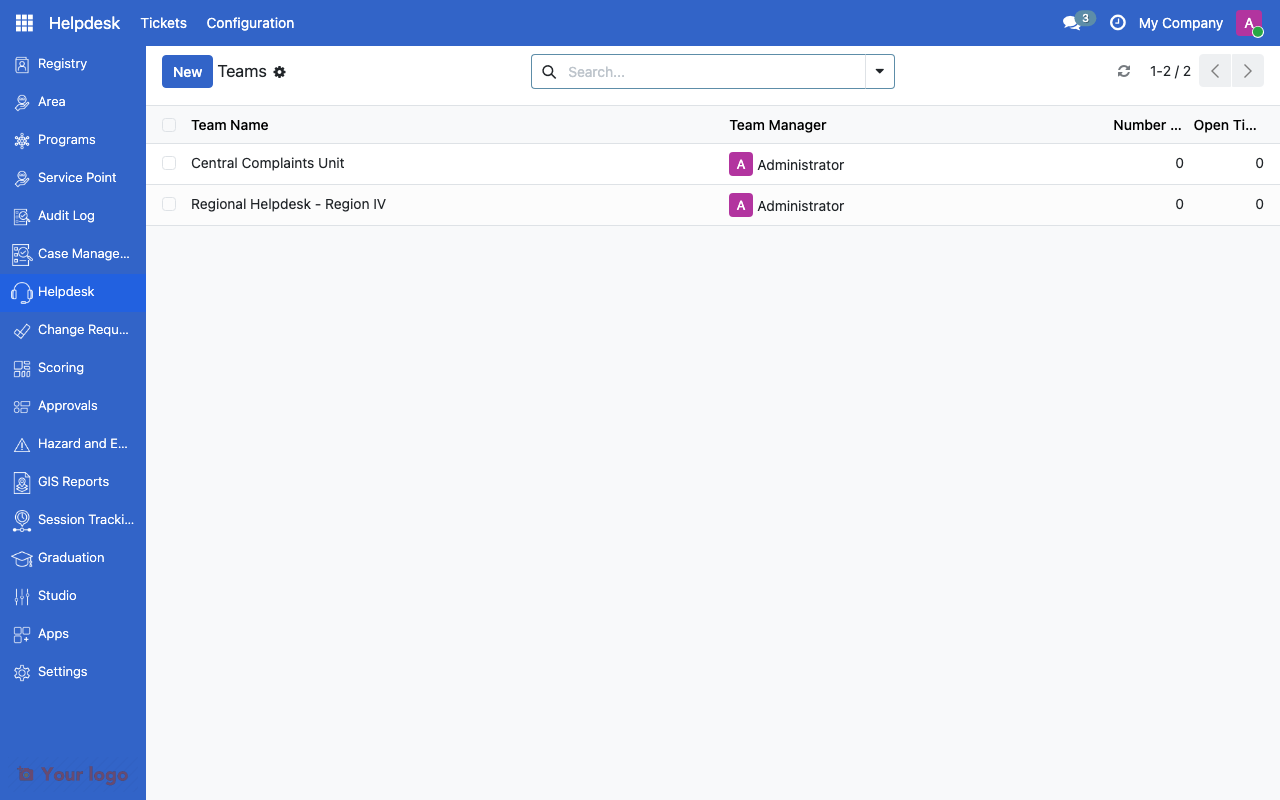
GRM teams list showing team name and manager.#
Setting up teams#
Navigate to Helpdesk > Configuration > Teams
Click Create
Enter the Team Name and select a Manager
Add Members from the user list
Optionally assign Areas for geographic routing
Save
Team routing patterns#
Pattern |
How it works |
Best for |
|---|---|---|
By category |
Set Default Team on each category |
Topic-based routing |
By area |
Assign areas to teams |
Regional helpdesks |
Manual |
Supervisor assigns tickets |
Small teams |
Tags#
Tags provide flexible, cross-cutting labels for tickets beyond the category hierarchy.
Tag configuration#
Field |
What it means |
|---|---|
Name |
Tag label (e.g., "Urgent follow-up", "Repeat complaint") |
Color |
Visual color in the UI |
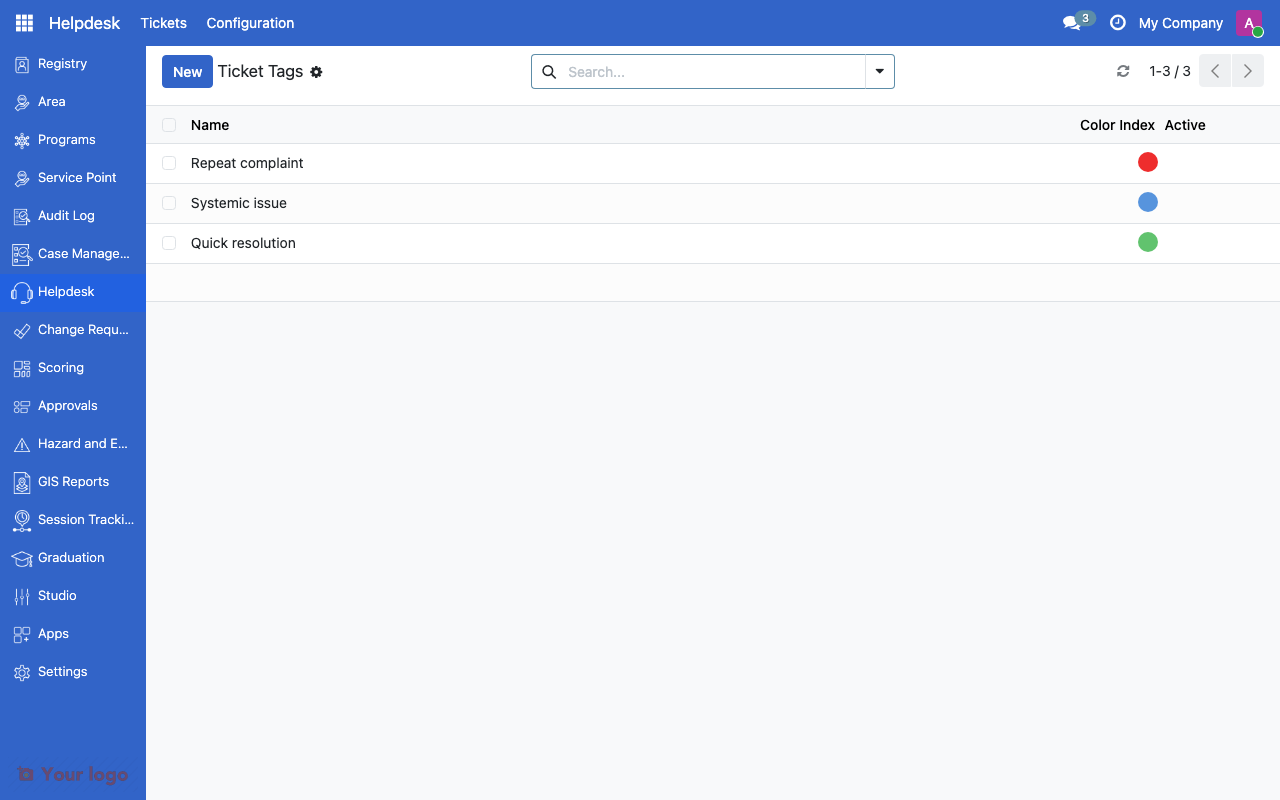
GRM ticket tags list showing tag names and colors.#
Setting up tags#
Navigate to Helpdesk > Configuration > Tags
Click Create
Enter the Name and select a Color
Save
Common tag patterns#
Tag |
Purpose |
|---|---|
Repeat complaint |
Beneficiary has complained about this before |
VIP/Official |
Complaint from government official or partner |
Media attention |
Issue has media visibility |
Systemic issue |
Complaint reflects a broader system problem |
Quick resolution |
Can be resolved immediately |
Requires field visit |
Needs on-site verification |
Tags help with:
Filtering tickets for specific workflows
Reporting on complaint patterns
Flagging tickets that need special attention
Are You Stuck?#
Can a ticket belong to multiple teams?
No. Each ticket is assigned to one team at a time. To transfer a ticket, change the team assignment.
Team members don't see tickets?
Check that team members have the appropriate user permissions to access the Helpdesk menu. Also verify the ticket is assigned to their team.
How do I auto-assign tickets by area?
Set up teams with Areas Responsible. When a ticket is created for a registrant in a specific area, it can route to the team covering that area.
Tags vs. categories - when to use which?
Categories are the primary classification (hierarchical, one per ticket, drives SLA and routing). Tags are supplementary labels (flat, multiple per ticket, for filtering and reporting).
Next steps#
Grievance redress overview - GRM fundamentals
SLA rules - Configure service level agreements
Access control overview - Set up user roles for helpdesk staff