 openspp.org
SP-MIS installation
Contents
SP-MIS installation#
OpenSPP Starter: SP-MIS / spp_starter_sp_mis
The OpenSPP Social Protection Management Information System (OpenSPP SP-MIS) configuration provides comprehensive functionality for managing social protection programs. This setup is ideal for organizations running cash transfers, social assistance programs, or humanitarian interventions.
What's included:
Registry management for individuals and groups
Program cycles and beneficiary enrollment
Eligibility determination and targeting
Entitlement calculation and management
Payment processing integration
Installation steps:
Navigate to the Apps menu.
In the Apps menu, search for spp_starter_sp_mis or "OpenSPP Starter: SP-MIS"
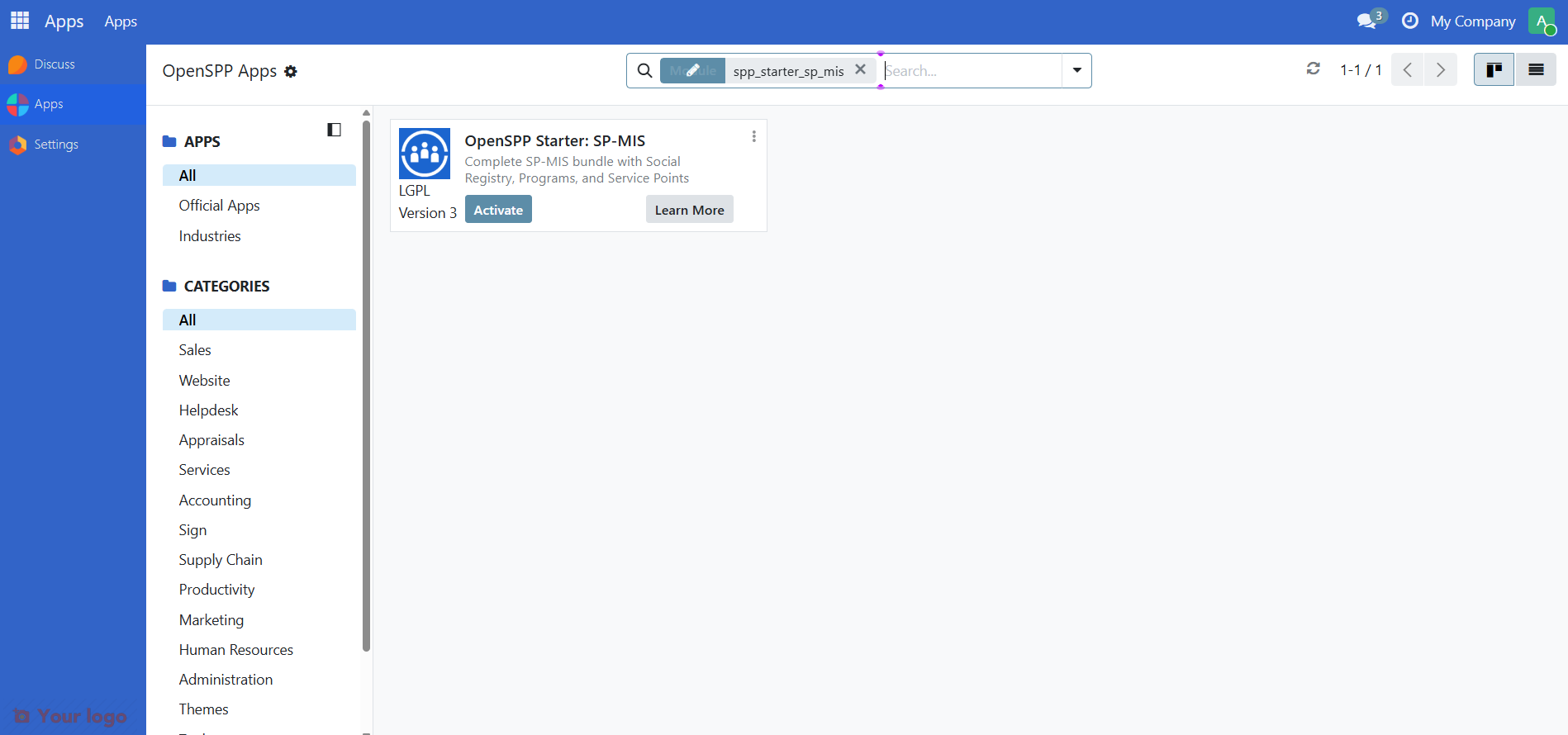
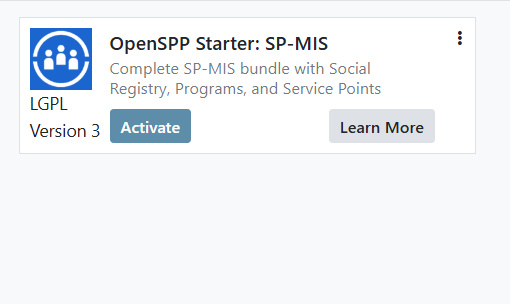
Click the Activate button to install the module. This will also install all its dependencies, providing a complete SP-MIS foundation.
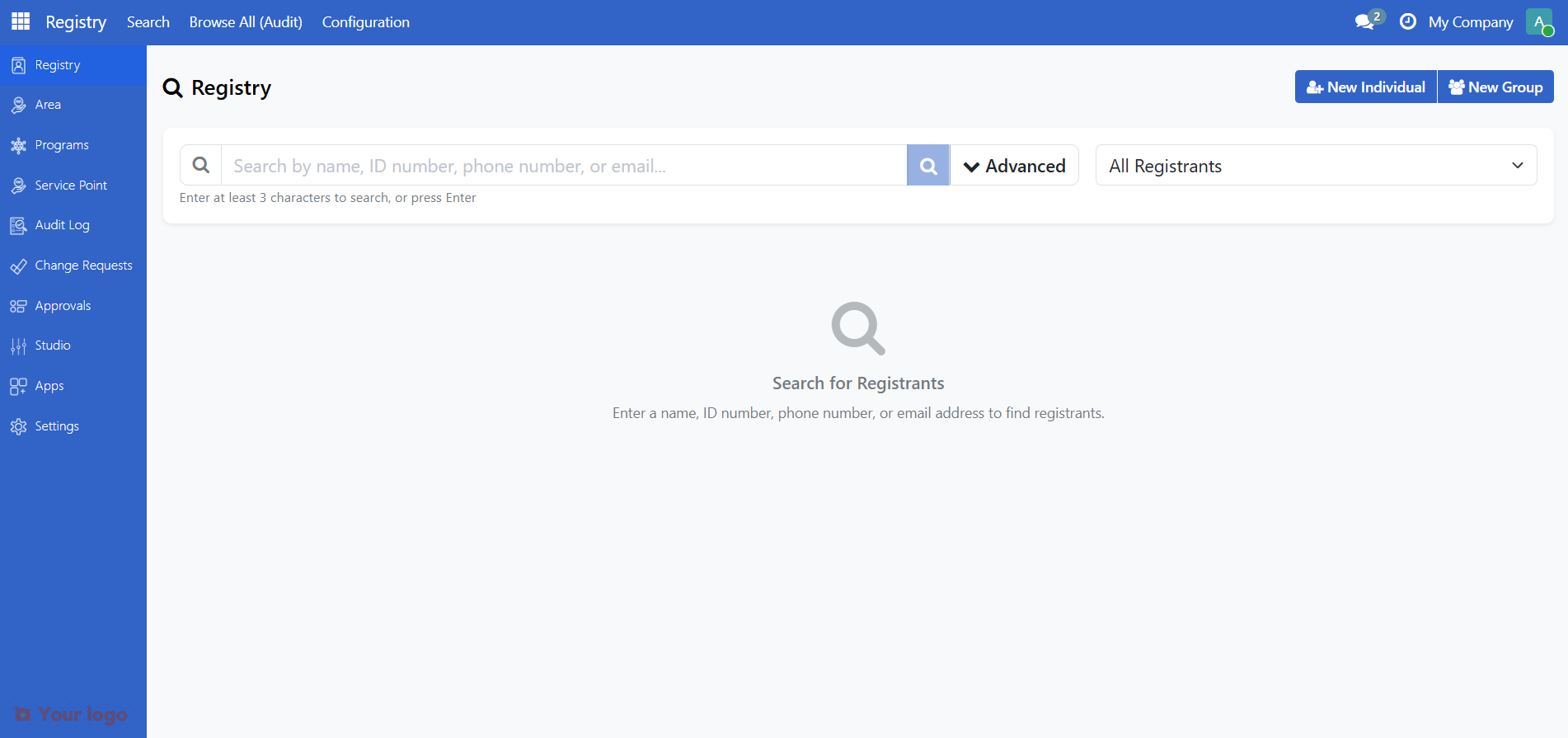
Once installed, you will see the "Registry" application in your Odoo dashboard, which is the main entry point for the OpenSPP system.
Next steps#
Now that you have installed OpenSPP SP-MIS, you have three options forward:
Try OpenSPP SP-MIS - Load demo data into the configuration and understand more about the functionalities
Relevant user guides - Start using OpenSPP without adding any demo data
Relevant configuration guides - Use the studio to perform configurations to match SP-MIS to your use case