 openspp.org
DRIMS installation
Contents
DRIMS installation#
OpenSPP DRIMS / spp_drims
The OpenSPP Disaster Response Inventory Management System (DRIMS) provides end-to-end management of emergency supplies, from donation intake through dispatch and returns. This setup is designed for government agencies, humanitarian organizations, and logistics teams coordinating disaster response operations.
What's included:
Donation tracking with state-based workflows (announced, received, inspected, stocked)
Request management with multi-tier approval and FIFO stock allocation
Dispatch coordination and fulfillment tracking
Real-time inventory visibility and stock health indicators
SLA monitoring with configurable priority thresholds
Automated alerts for low stock, expiring items, and SLA breaches
Inter-agency coordination and personnel deployment tracking
GIS-based geographic coverage and area management
Installation steps:
Navigate to the Apps menu.
In the Apps menu, search for
spp_drimsor "OpenSPP DRIMS"
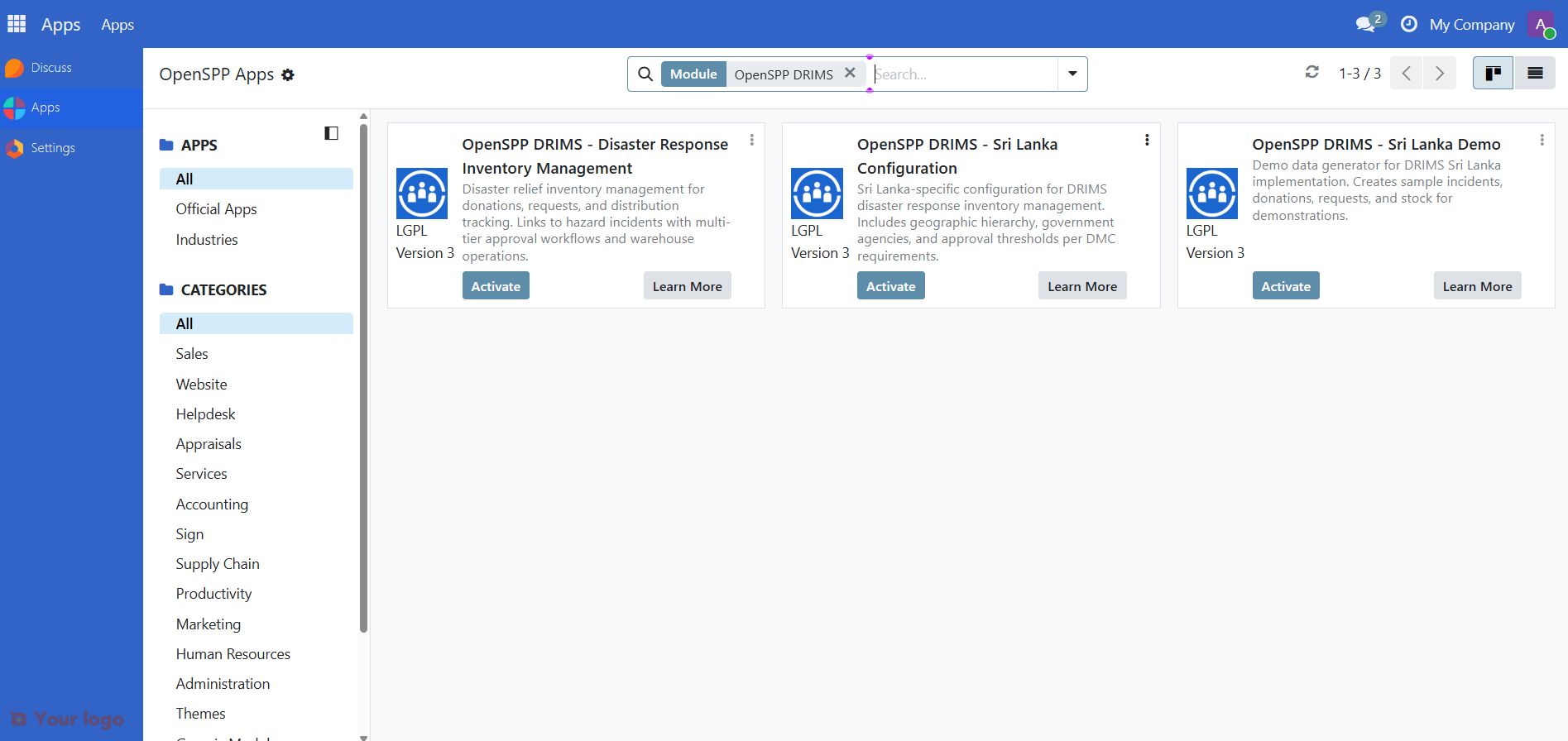
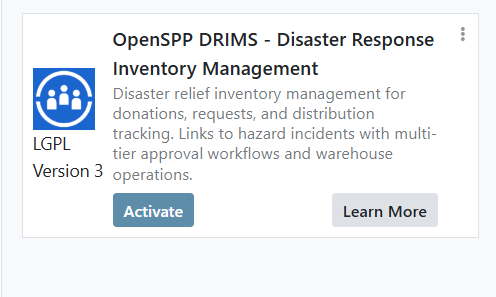
Click the Activate button to install the module. This will also install all its dependencies, including inventory management, GIS, approval workflows, and alert engine modules.
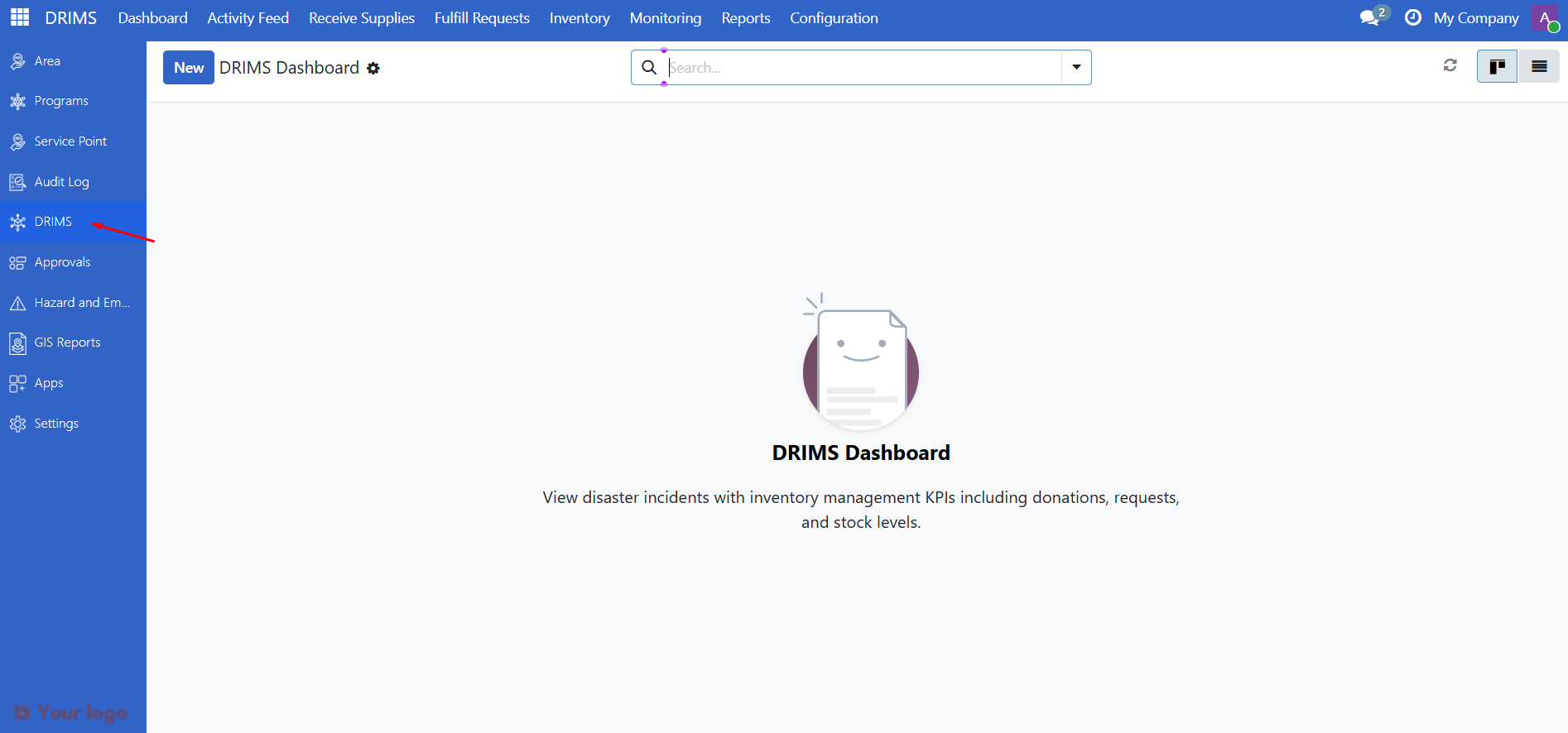
Once installed, you will see the DRIMS application in your Odoo dashboard as the main entry point for managing disaster response inventory.
Next steps#
Now that you have installed OpenSPP DRIMS, you can:
Demo module - Load demo data to explore DRIMS functionality
Relevant user guides - Start using DRIMS to manage disaster response operations
Relevant configuration guides - Configure warehouses, approval chains, vocabularies, and alerts to match your operational needs