 openspp.org
Explore OpenSPP
Contents
Explore OpenSPP#
Load sample data to explore OpenSPP features before starting tutorials.
For: Evaluators, learners, and trainers
Before diving into the tutorials, you'll need sample data to work with. This guide walks you through loading demo data that includes sample households, individuals, and programs.
What you'll get#
After loading the MIS demo data, you'll have:
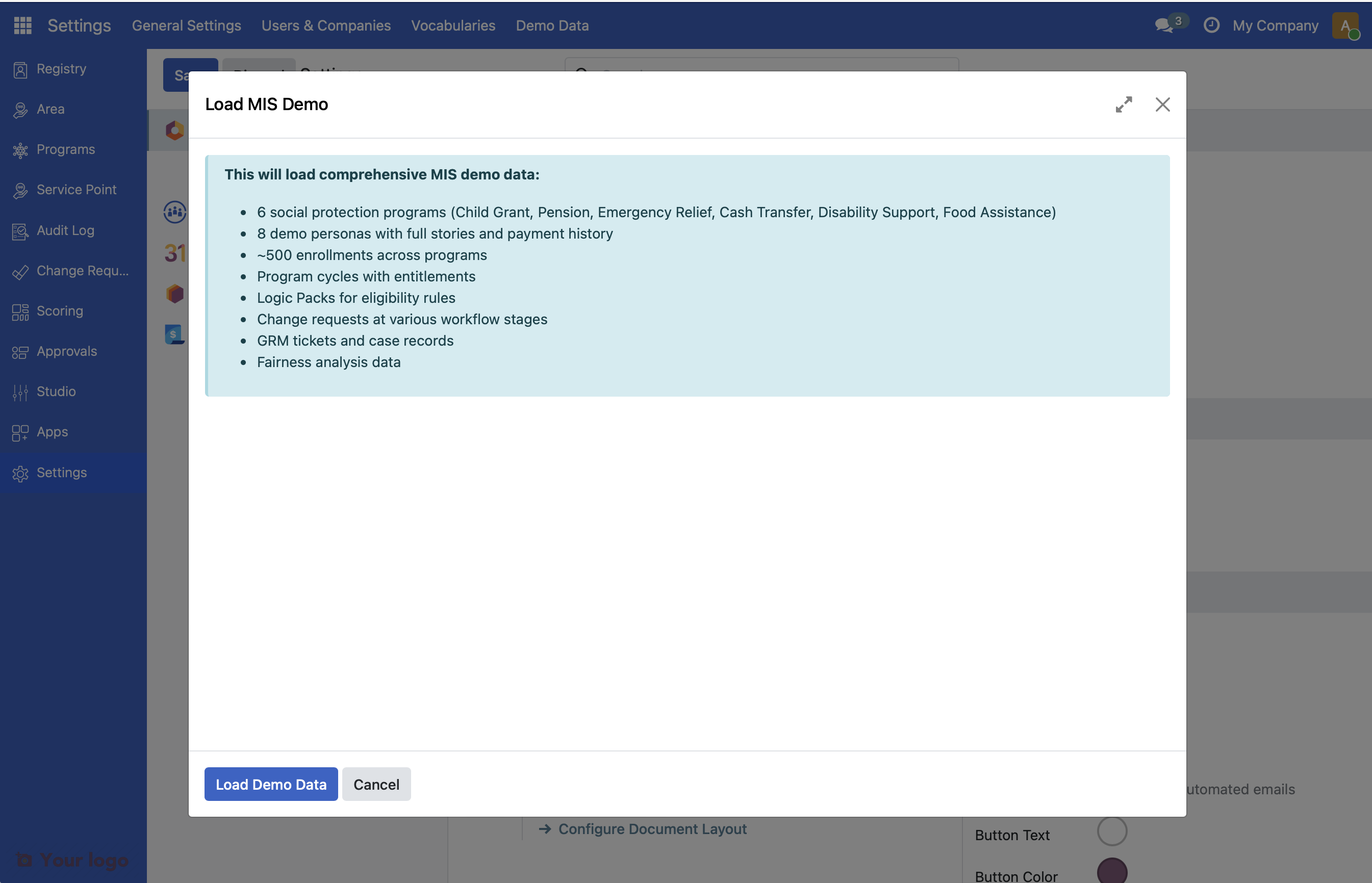
6 social protection programs - Child Grant, Pension, Emergency Relief, Cash Transfer, Disability Support, Food Assistance
8 demo personas - Sample registrants with complete stories and payment history
~500 enrollments - Beneficiaries enrolled across programs
Program cycles - With generated entitlements
Logic Packs - Pre-configured eligibility rules
Change requests - At various workflow stages
Before you start#
OpenSPP should be installed and running (see Installing OpenSPP)
OpenSPP SPMIS Demo should be installed (see Module installation)
You need administrator access to OpenSPP
Load demo data#
1: Log in as administrator#
Log in to OpenSPP using administrator credentials (default: admin/admin).
2: Open Settings#
Click Settings in the left sidebar.
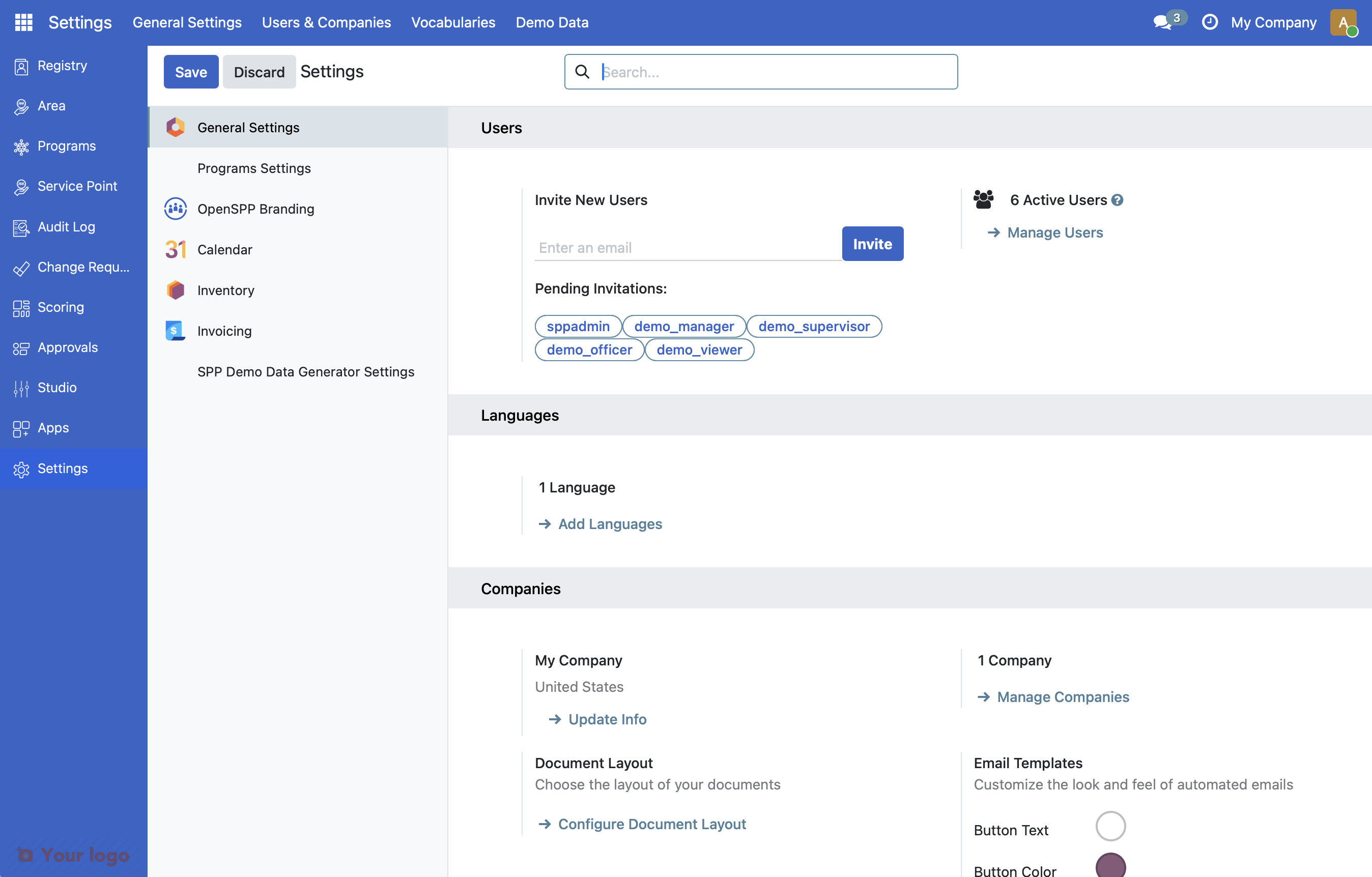
Note: If your screen does not look like in the screenshot, it may be due to the OpenSPP MIS Demo V2 module not being installed yet. Learn how to do this on Module Installation.
3: Navigate to demo data#
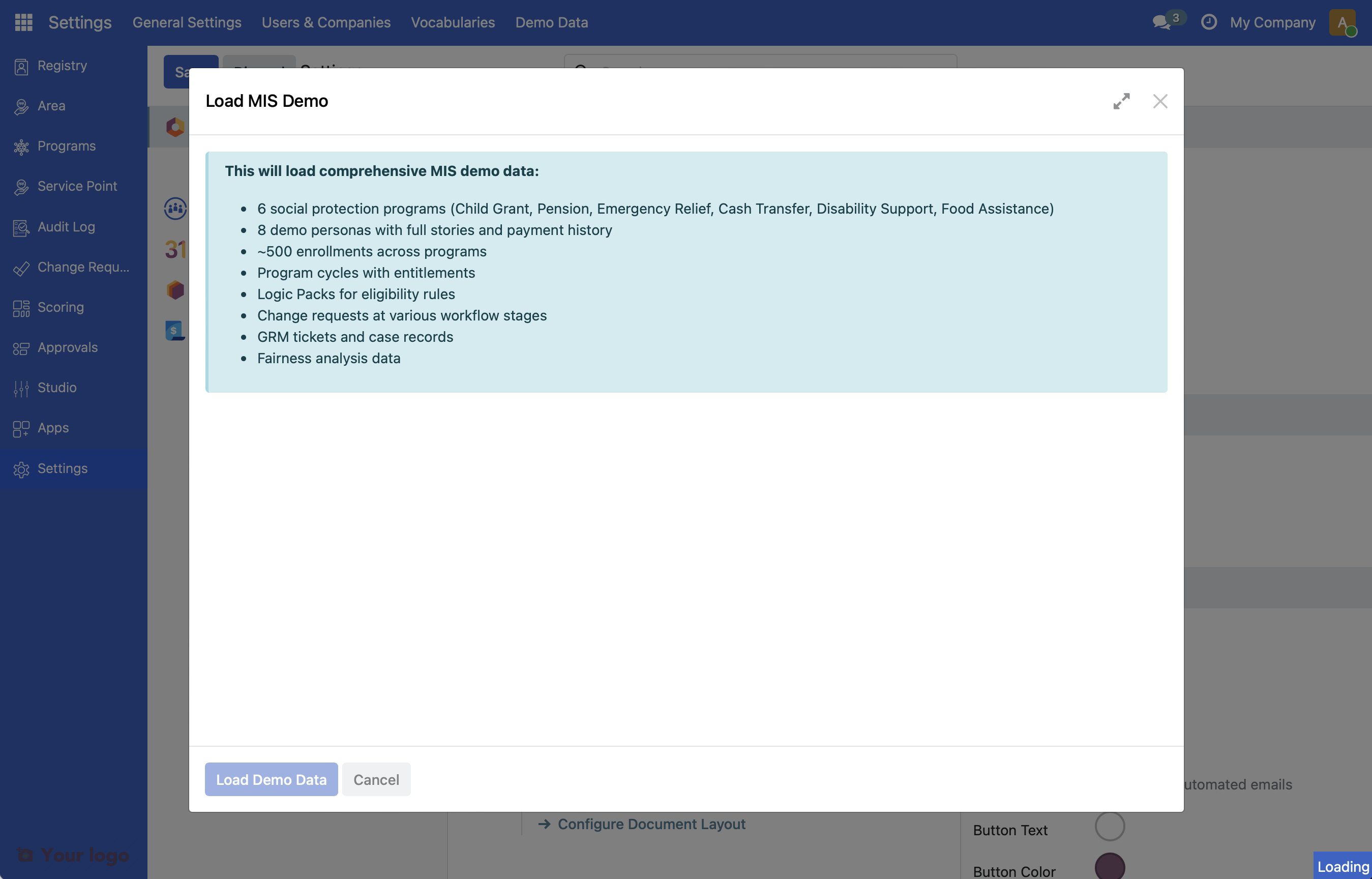
In the Settings top menu, click Demo Data > Load MIS Demo.
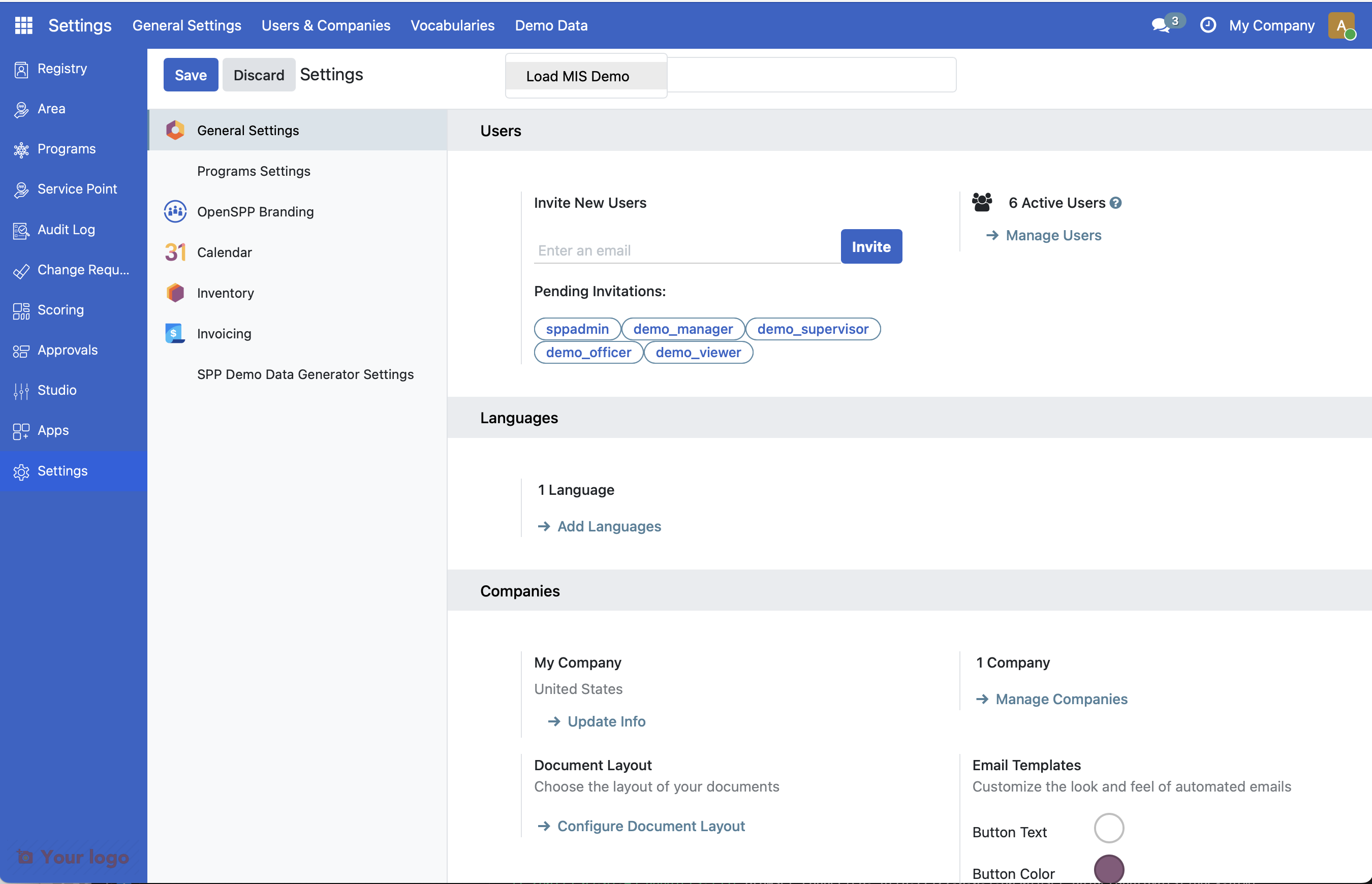
Note: If this option is not available, it may be due to the OpenSPP MIS Demo V2 module not being installed yet. Learn how to do this on Module Installation.
5: Generate demo data#
Click Load Demo Data to start.
Note
Demo data generation takes 2-5 minutes depending on your system. The wizard will redirect you to the Programs page when complete.
What's included#
Sample programs#
Program |
Description |
|---|---|
Food Assistance |
Food voucher program |
Disability Support Grant |
Assistance for persons with disabilities |
Cash Transfer Program |
General cash transfer program |
Emergency Relief Fund |
One-time emergency assistance |
Elderly Social Pension |
Social pension for elderly citizens |
Universal Child Grant |
Monthly cash transfer for families with children |
Demo personas#
The demo includes 8 complete registrant stories:
Individuals and households with full registration data
Program enrollments with eligibility determinations
Payment history and entitlement records
Change requests at various workflow stages
Demo users#
User |
Role |
Password |
|---|---|---|
sppadmin |
OpenSPP Admin |
demo |
demo_manager |
Demo Manager |
demo |
demo_officer |
Demo Officer |
demo |
demo_supervisor |
Demo Supervisor |
demo |
demo_viewer |
Demo Viewer |
demo |
demo_global_registrar |
Demo Global Registrar |
demo |
demo_local_registrar |
Demo Local Registrar |
demo |
demo_cr_hq_validator |
Demo CR HQ Validator |
demo |
demo_cr_local_validator |
Demo CR Local Validator |
demo |
demo_program_manager |
Demo Program Manager |
demo |
demo_program_validator |
Demo Program Validator |
demo |
demo_cycle_approver |
Demo Cycle Approver |
demo |
Are you stuck?#
Can't find Settings menu? Make sure you're logged in as an administrator. Regular users don't have access to system settings.
Demo Data menu not visible?
The MIS Demo module may not be installed. Check with your system administrator that spp_mis_demo_v2 is installed.
Loading takes too long? Large demo data sets may take 1-2 minutes to generate. The page will update when complete.
Error during loading? Check the browser console for errors. Try refreshing the page and running the wizard again.
Next Steps#
Now that you have sample data, you're ready to start exploring:
Your first household - Register your first household
Your first program - Create your first social protection program