 openspp.org
Step 3: Import and enroll beneficiaries
Contents
Step 3: Import and enroll beneficiaries#
This tutorial is for users who want to import and enroll beneficiaries into an already created program.
What you'll do#
You will import and enroll beneficiaries into your program that are eligible based on the previously defined eligibility criteria.
Before you start#
You completed Step 2: Create Program
Your program Cash Transfer for Vulnerable Families exists
You need Program Manager or Administrator access
Allow 5-10 minutes to complete this step
The scenario#
You have created the program and you now want to import and enroll all the beneficiaries that are eligible according to your previously configured eligibility criteria.
Steps#
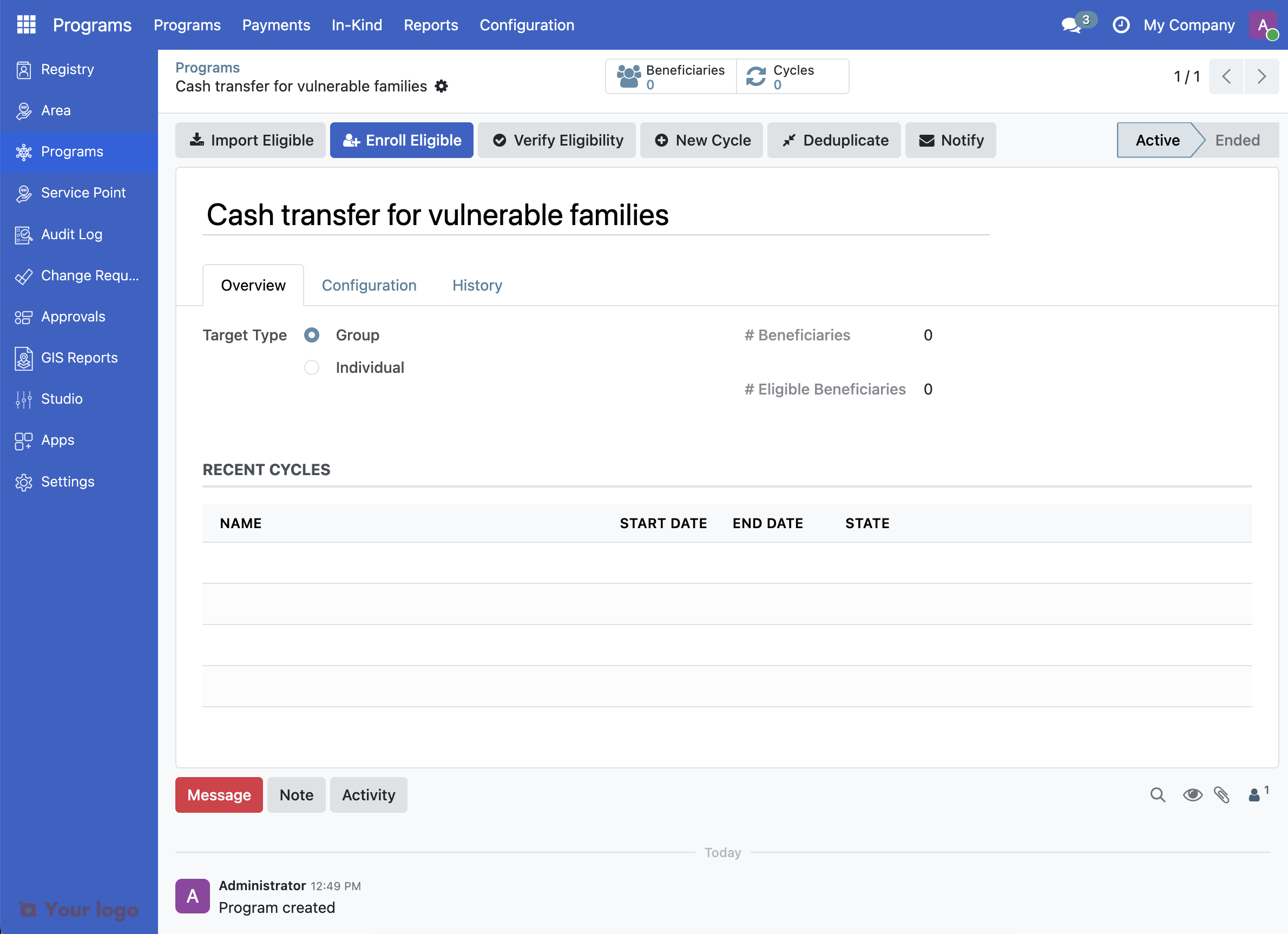
1. Open your program#
Go to Programs from the main menu and click on Cash transfer for vulnerable families to open it.
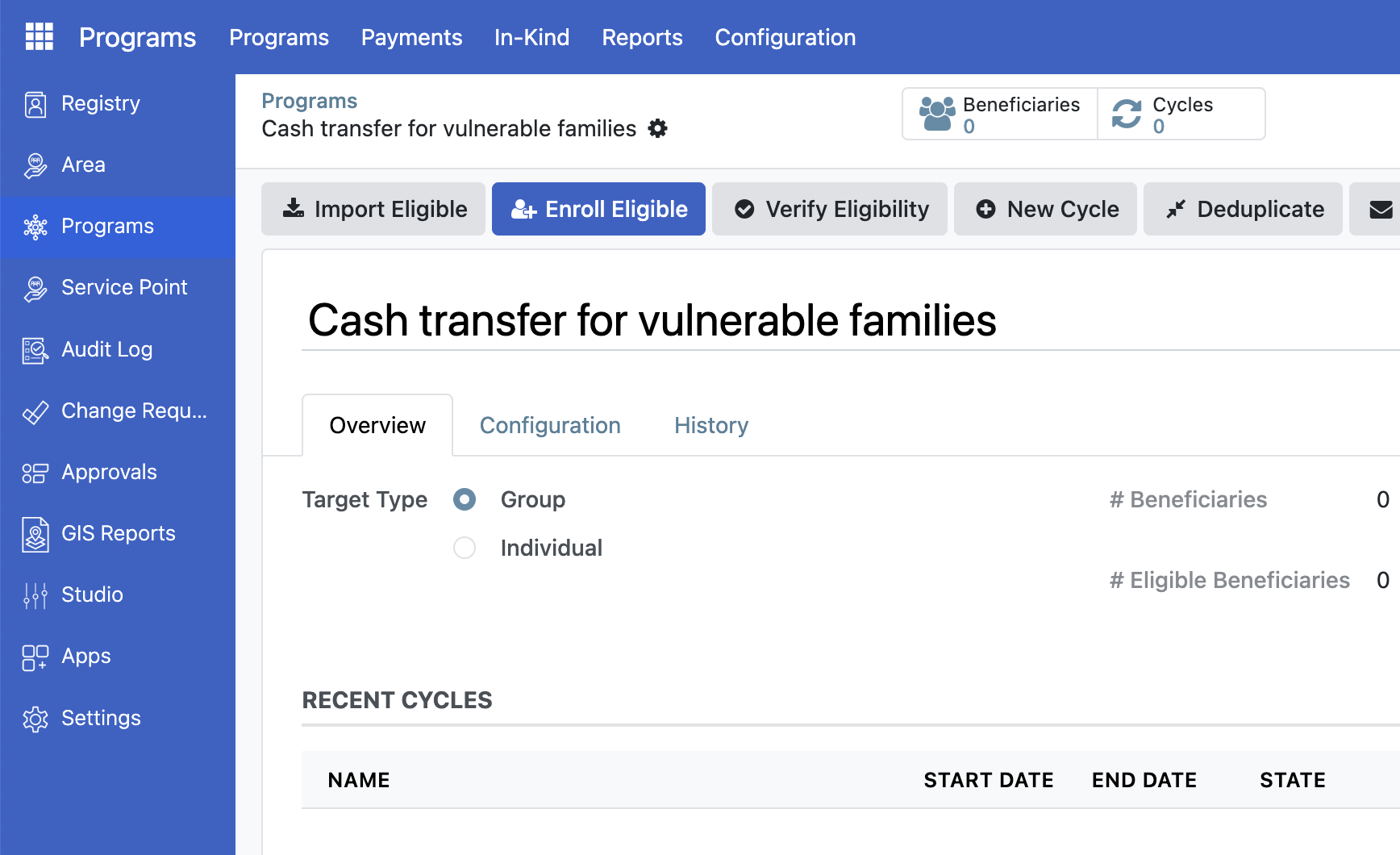
2: Import eligible registrants#
Click the Import Eligible button.
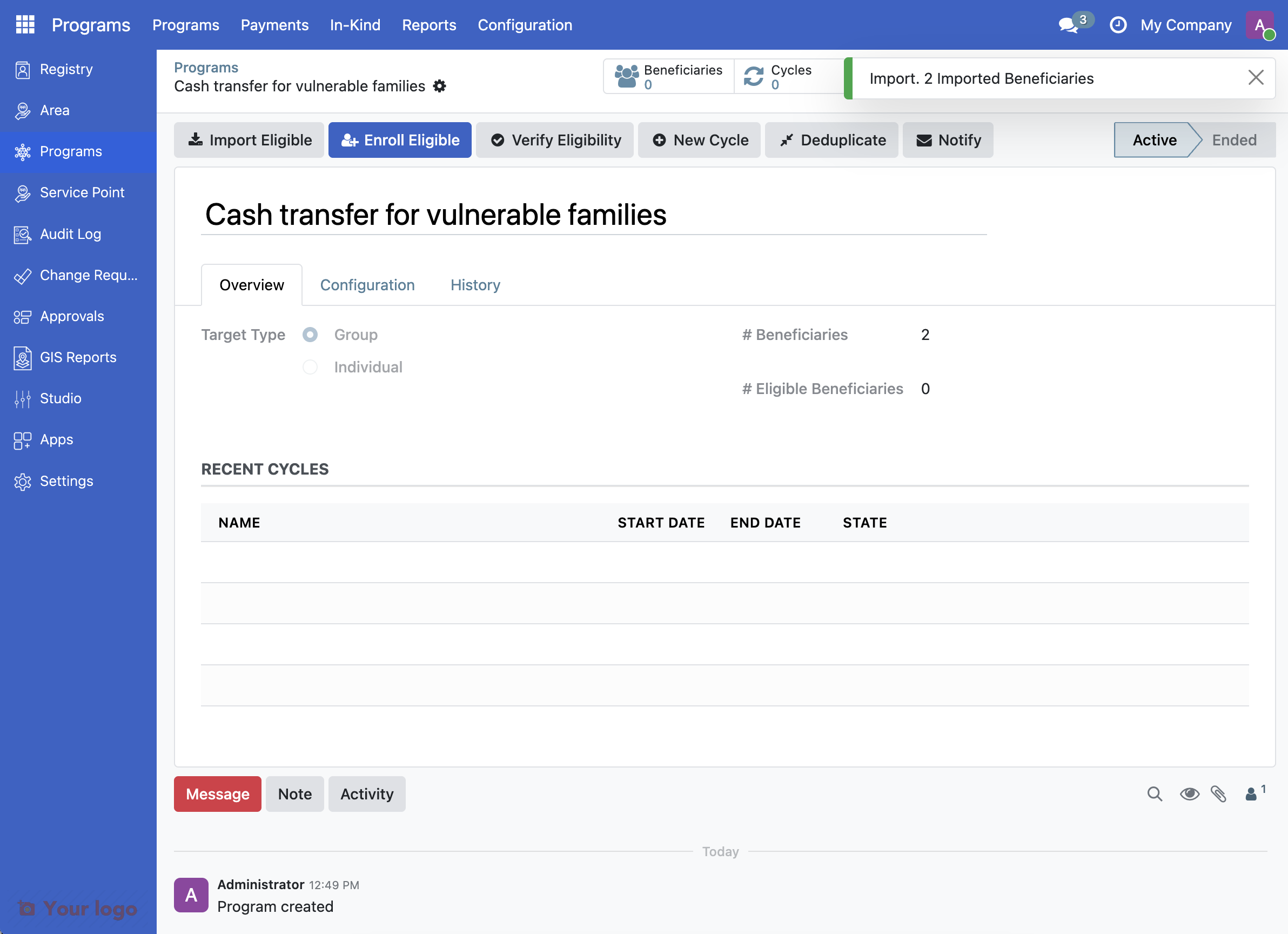
Wait for the import to complete. A notification shows how many registrants were found.
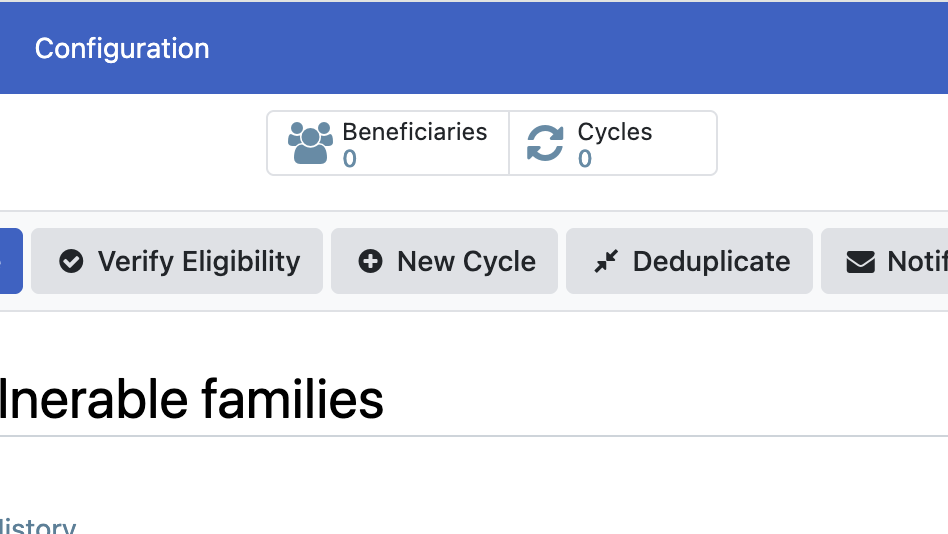
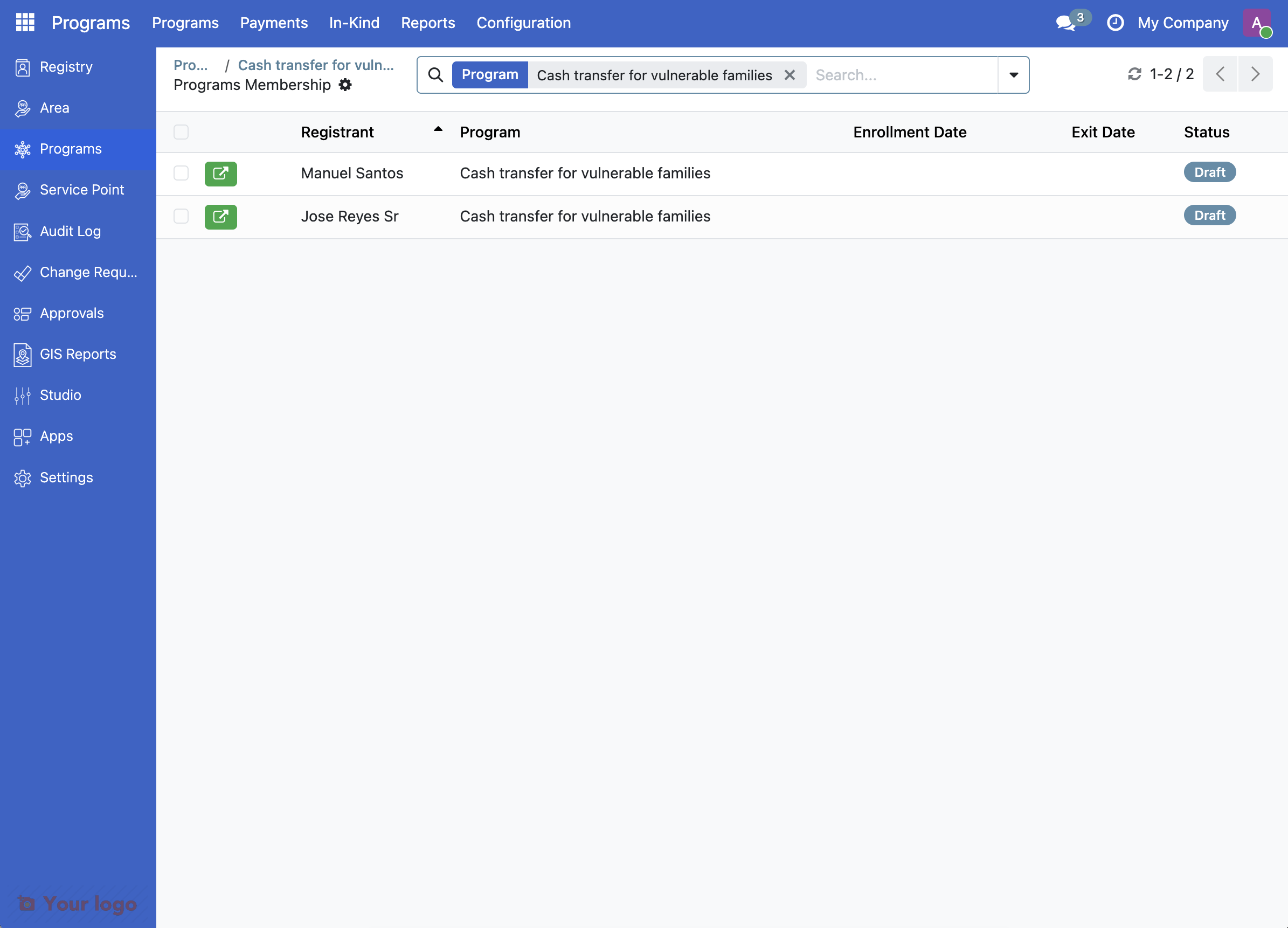
Click the button Beneficiaries.
The imported registrants will display with Draft status.
3: Enroll eligible registrants#
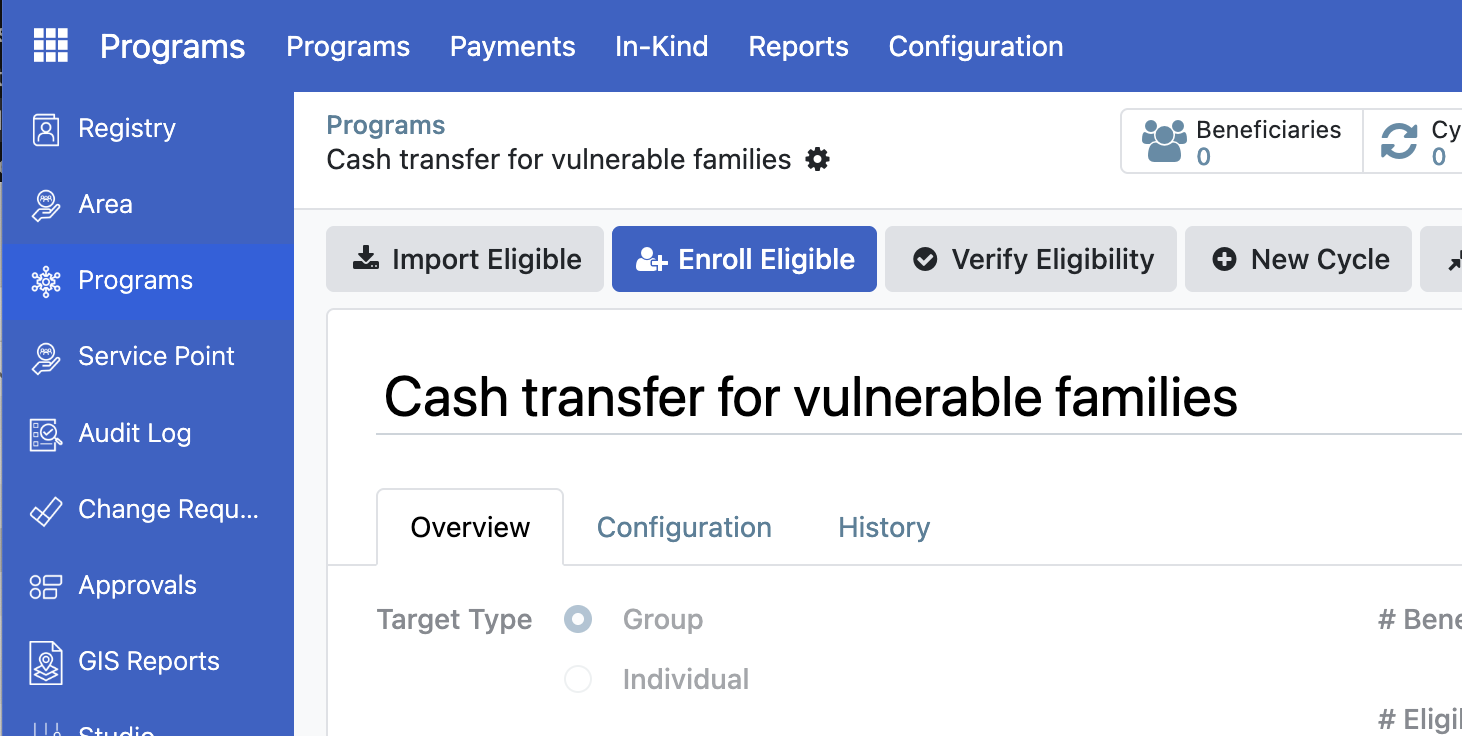
Return to the program overview and click the Enroll Eligible button. The system will then verify each registrant against the eligibility rules.
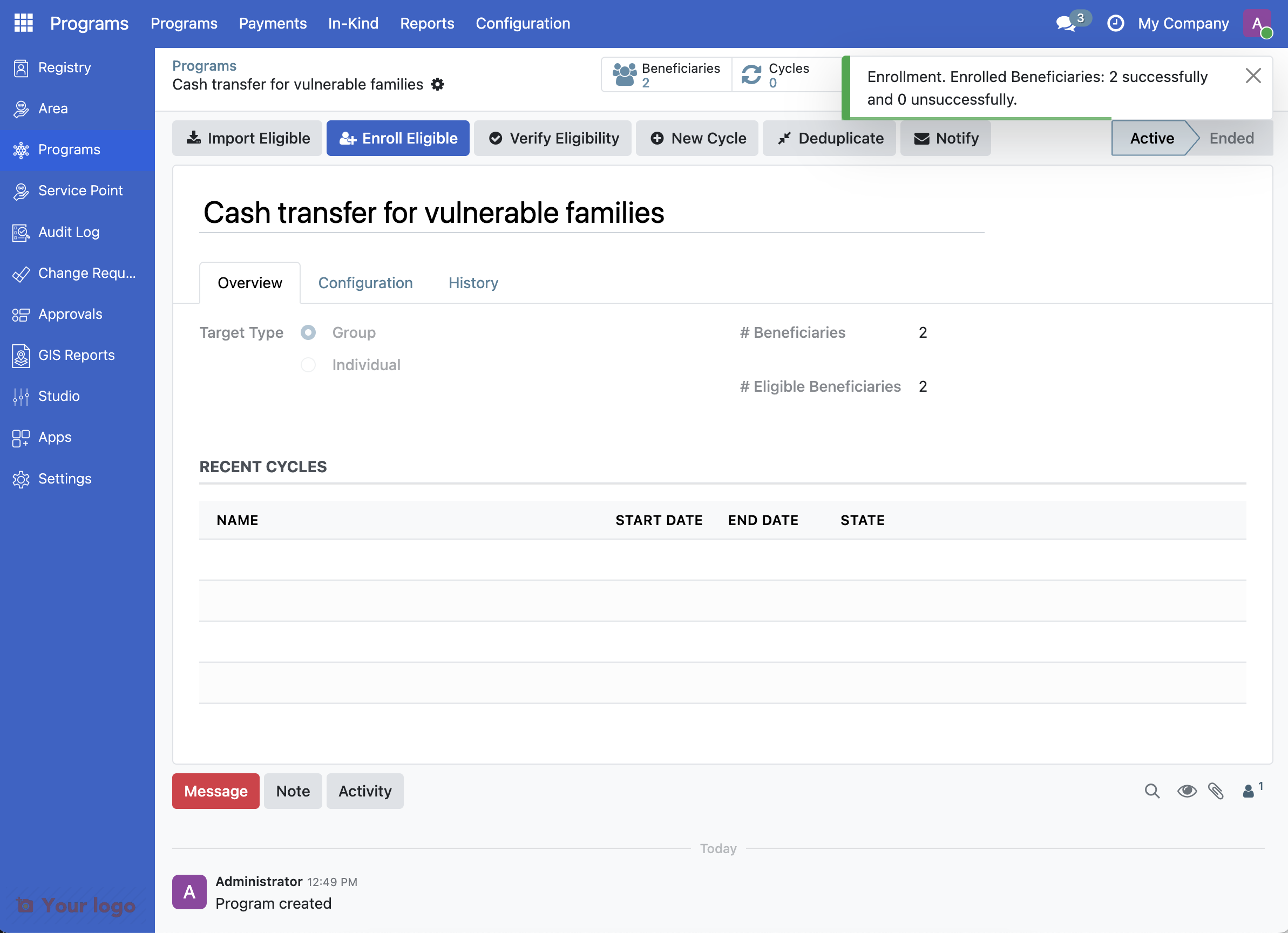
A notification shows how many beneficiaries were enrolled and the number on the Beneficiaries button is updated.
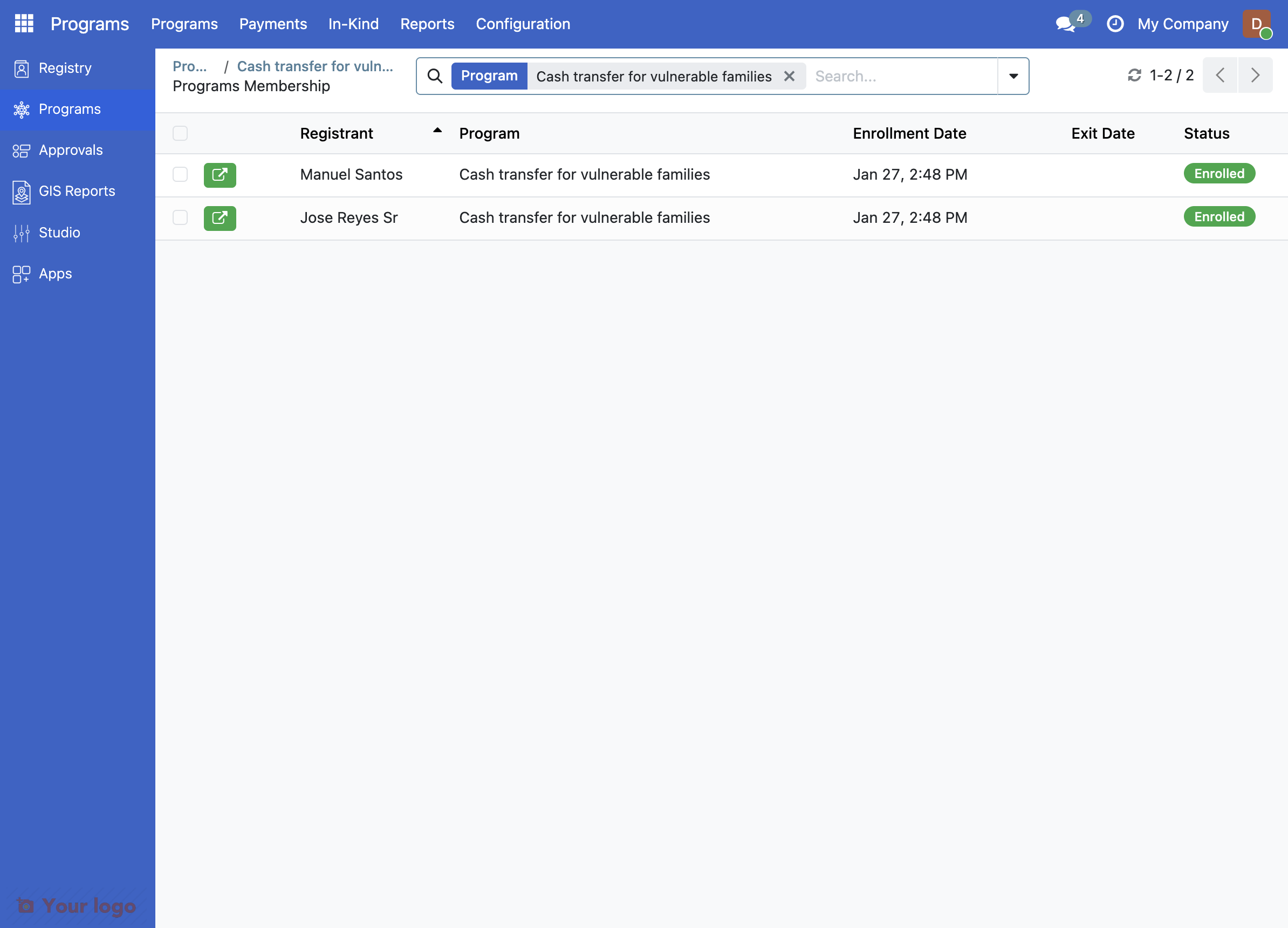
Click the button Beneficiaries again and note that successfully enrolled registrants now show Enrolled status.
What you accomplished#
You've successfully imported and enrolled eligible beneficiaries into the program.
Based on the sample data you enrolled:
Garcia Family: Not eligible (income 15,000 - too high ❌)
Santos Family: Eligible (income 8,000 ✓, has child born 2021 ✓)
Cruz Family: Not eligible (income 12,000 - too high ❌)
Reyes Family: Eligible (income 6,000 ✓, has child born 2023 ✓)
Ramos Family: Not eligible (income 18,000 - too high ❌)
Expected eligible families: Santos Family and Reyes Family (2 out of 5)
Are you stuck?#
Import Eligible button does nothing?
The program may not have an eligibility manager configured
Contact your Program Manager to verify the configuration
No registrants found during import?
Check that registrants exist in the Registry
Verify the program's target type matches (individual vs. group)
Review the eligibility criteria with your Program Manager
Registrant shows "Not Eligible" after enrollment?
The registrant's data may not meet the eligibility criteria
Open their profile and verify their information is complete
Check with your Program Manager about the specific eligibility rules
"Already enrolled in this program" error?
A registrant can only be enrolled once per program
Check the program's beneficiary list for existing enrollment
If they were exited, you may need to create a new enrollment
Next step#
Now that your eligibility rules are set, you're ready to run your first program cycle to identify eligible families. Continue to Step 4: Understanding Program Cycle.