openspp.org
Register individual
Contents
Register individual#
This guide provides a comprehensive, step-by-step overview for authorized users on the process of registering new entities within the OpenSPP platform. It details the procedures for manually creating individual and group records, as well as the method for associating existing individuals as members of a group.
Prerequisites#
To register an individual for OpenSPP, you need to:
Ensure you have the appropriate user permissions, such as Global Registry, Local Registry, or System Admin roles. Learn more in this guide: User access
Prepare the required data for the individual.
Objective#
By the end of this tutorial, you should be able to register new individuals on the OpenSPP platform and add new individuals to groups.
Process#
To create an individual in OpenSPP, enter the required details in the designated input fields. After registering individuals, you can create groups and assign individuals as members to these groups.
Registering new individuals#
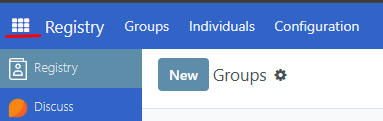
Click on the menu icon in the top-left corner. Select Registry then click Individuals.
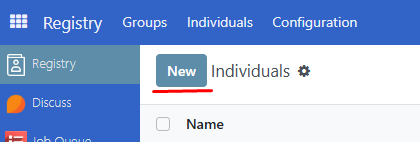
Click on New to be directed to the registration interface for new applicants
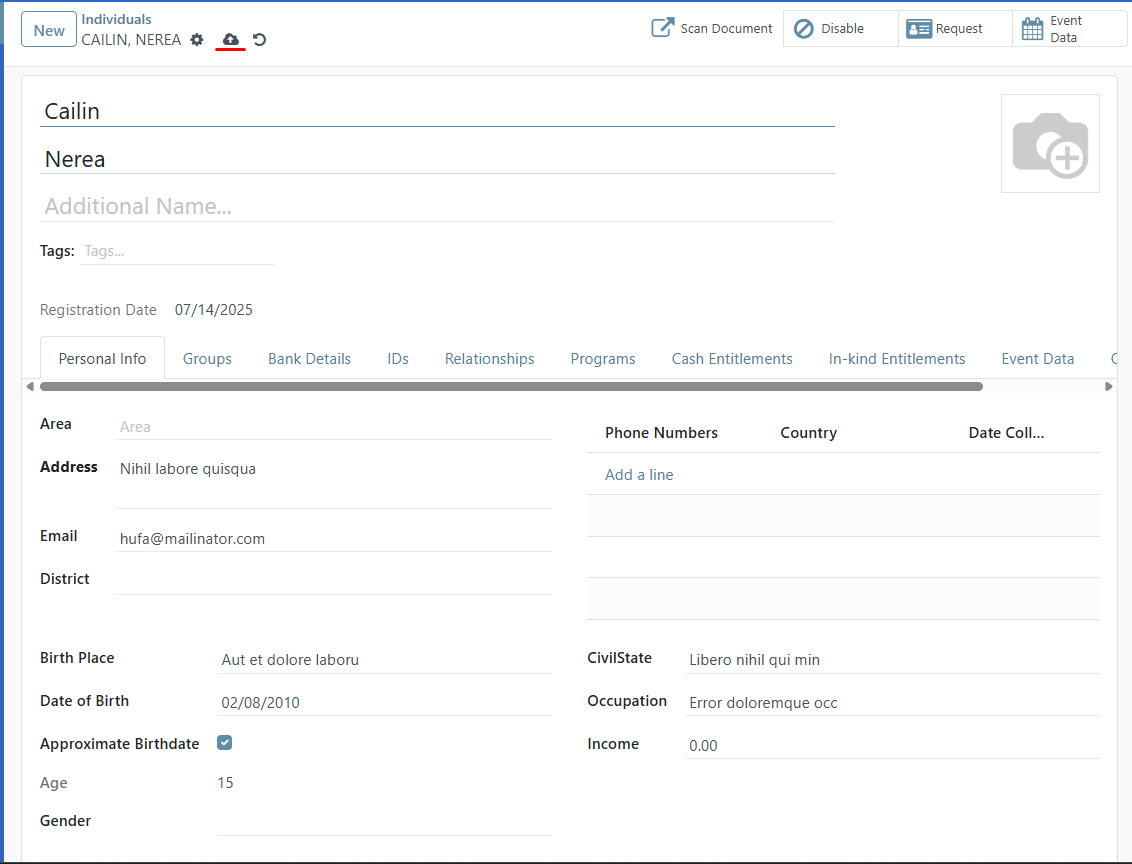
Enter the necessary values for the individual as required by your programme. After verifying the entered information, click the Save icon to complete the registration process.
The record of the new individual is now displayed in the Individuals list in the Registry page.
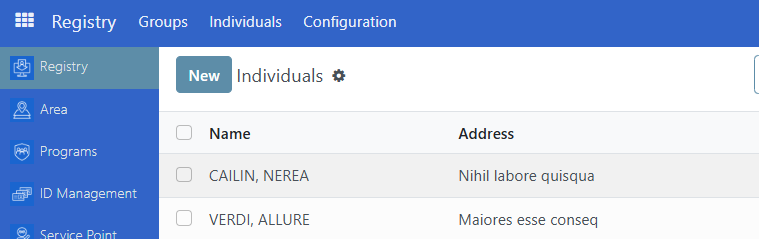
Creating new group#
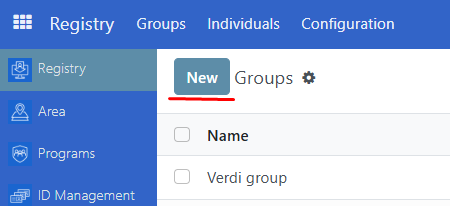
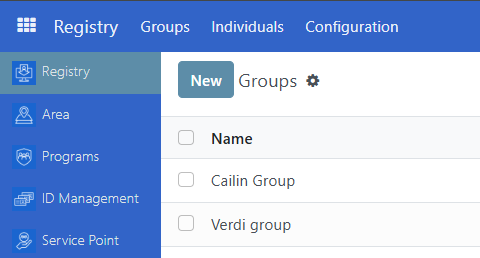
Navigate to Registry then click Groups. Click on New.
You will be directed to the registration interface for new Groups.
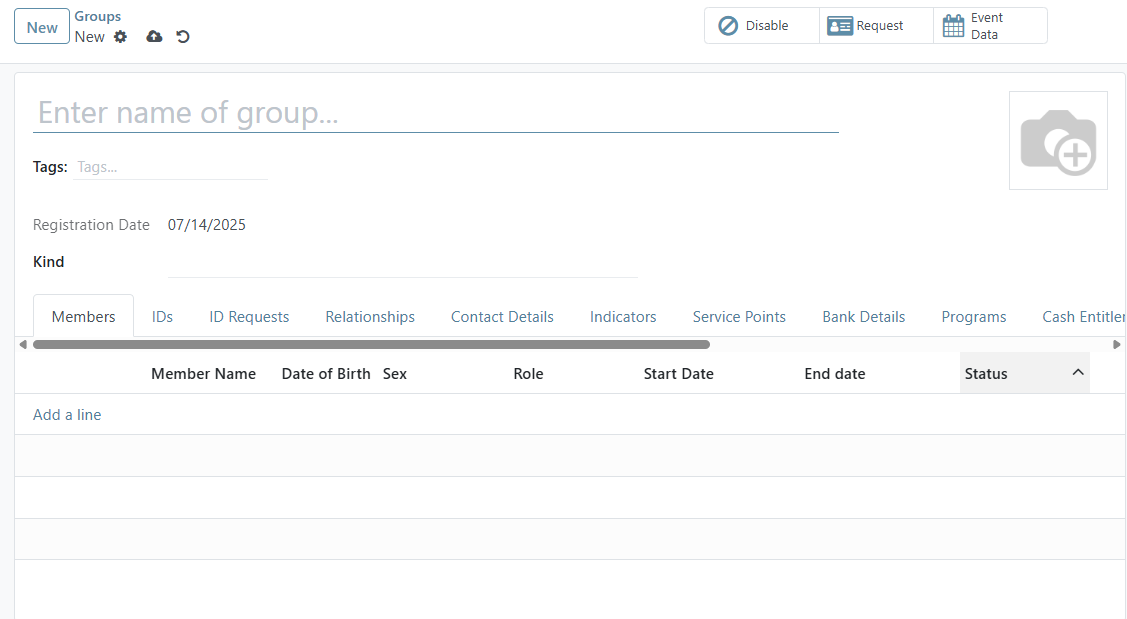
After ensuring all the information is correctly entered, click the Save icon to complete the registration process.
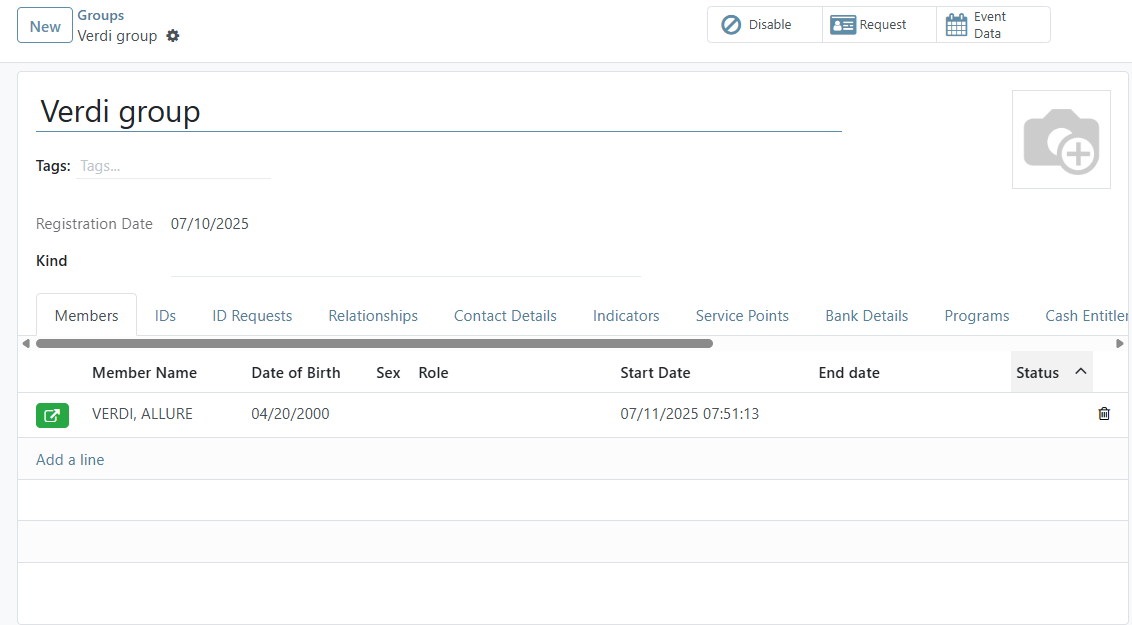
The record of the new group is now displayed in the Groups list in the Registry page.
Adding new individual to group#
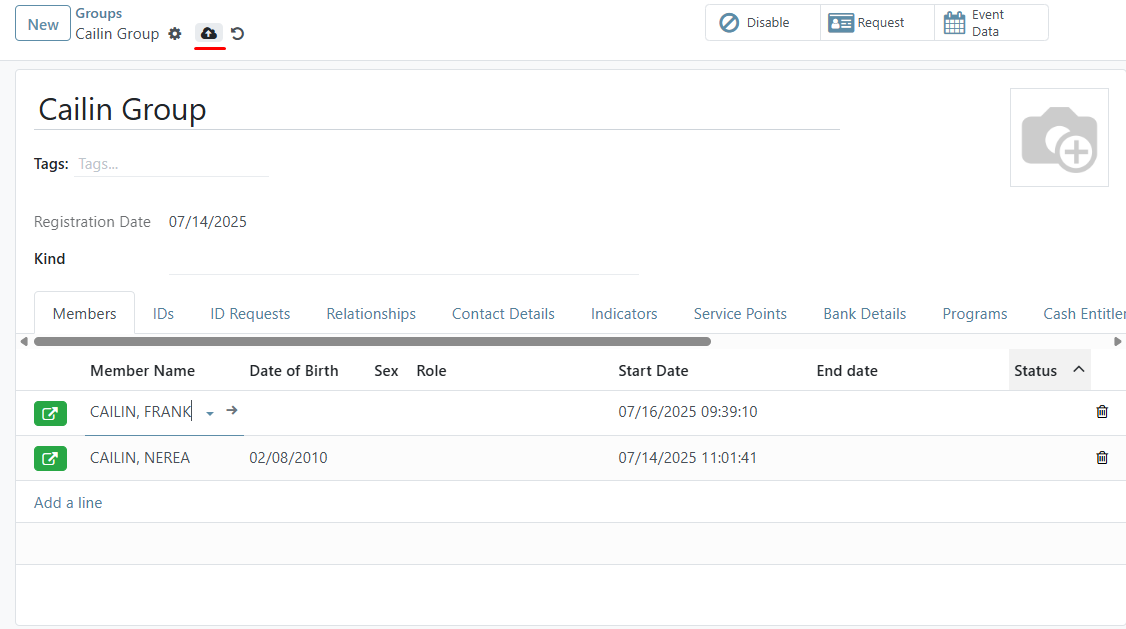
Select the group to which you want to add an individual. Click Add a line under Members tab, then choose the individual from the list. Repeat this step to add additional individuals as needed.
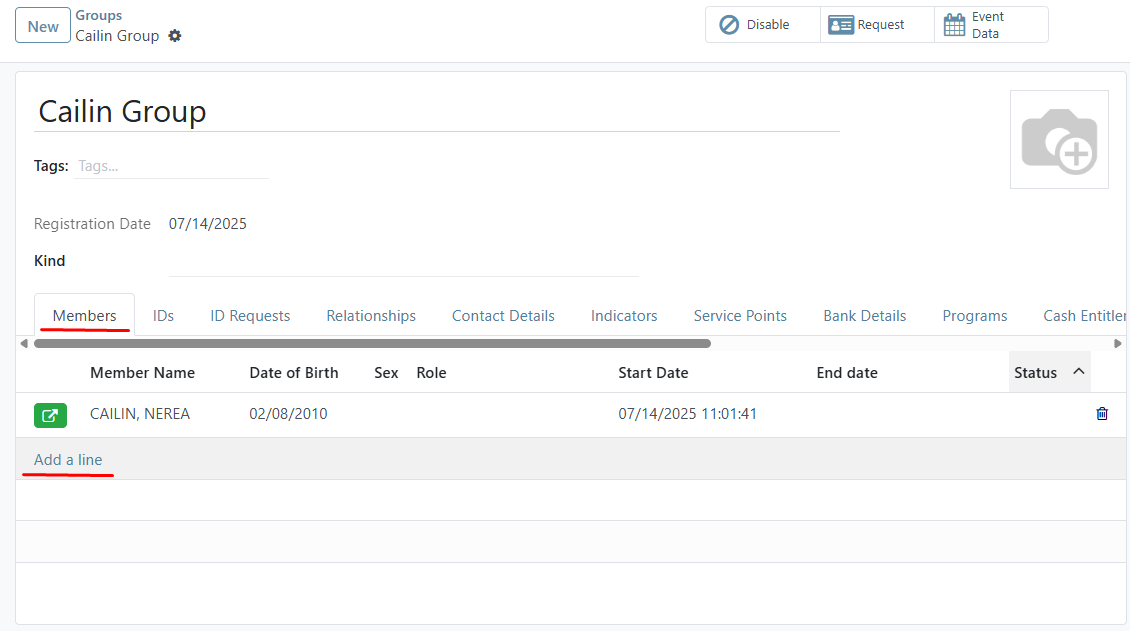
Click the Save icon to complete the changes. The newly added individual(s) is displayed.